Best Geotargeting Setup Guide for Beginners [2026]
Answer: Geotargeting setup defines configuration of targeting rules, data sources, and delivery parameters used to serve ads or content to users by geographic location, device, and demographic attributes to improve relevance, reduce wasted spend, and increase local engagement, and conversions.
Table of Contents
Are you struggling to reach your ideal customers? You’re not alone — many businesses find it challenging to connect with the right audience. In a world where personalized marketing is key, understanding how to effectively implement geotargeting can drastically improve your outreach. This guide will explore the ins and outs of geotargeting setup, ensuring you can effectively engage your target market. The article explains definitions, mechanics, benefits, step-by-step setup, recommended tools, regional compliance considerations, two detailed case studies, and common mistakes to avoid. Use the practical checklists and metrics to design measurable campaigns. Targeting parameters, location data sources, creative variations, bid rules, and attribution windows are covered with implementation examples for search, display, social, and programmatic channels. Readers will gain a structured workflow for initial setup, optimization cycles, and reporting templates to validate performance. The focus remains on delivering precise instructions and evidence-based recommendations that your marketing or analytics team can operationalize.
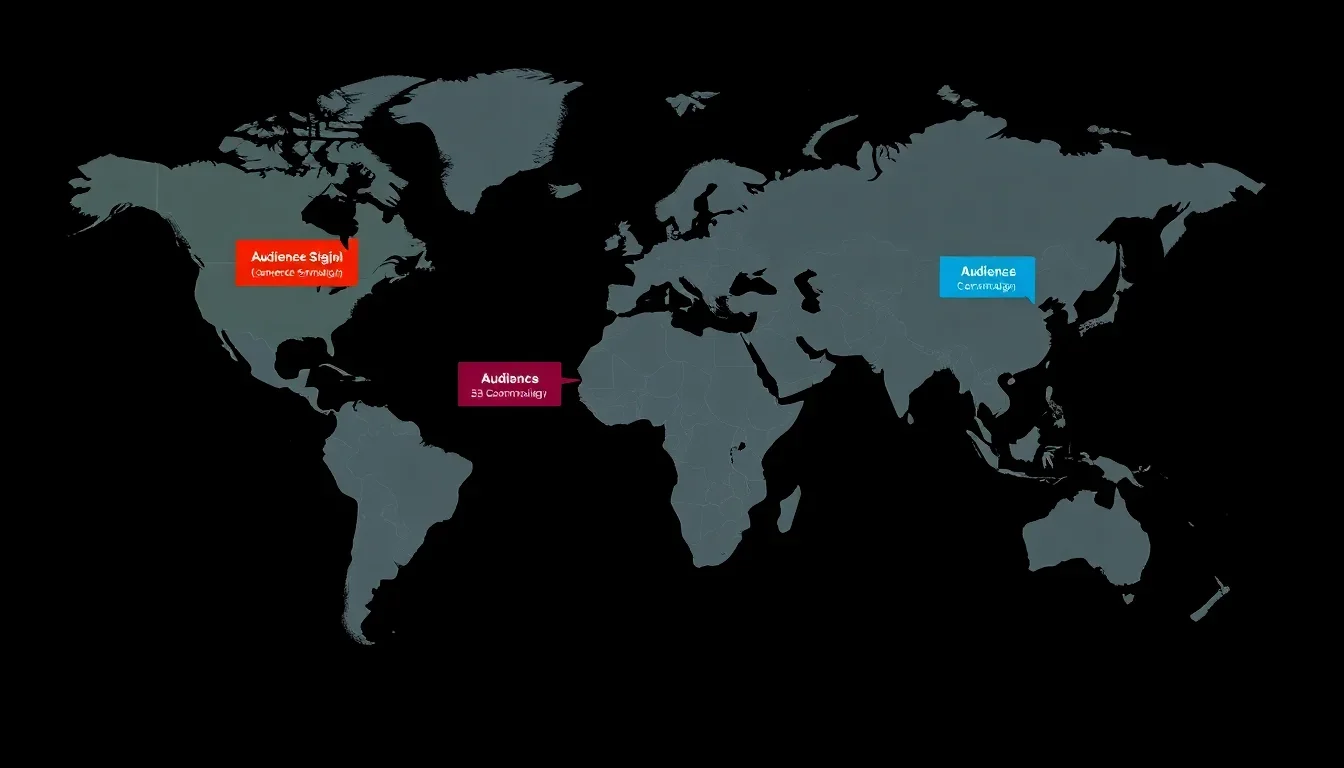
Geotargeting setup: Definition & Overview
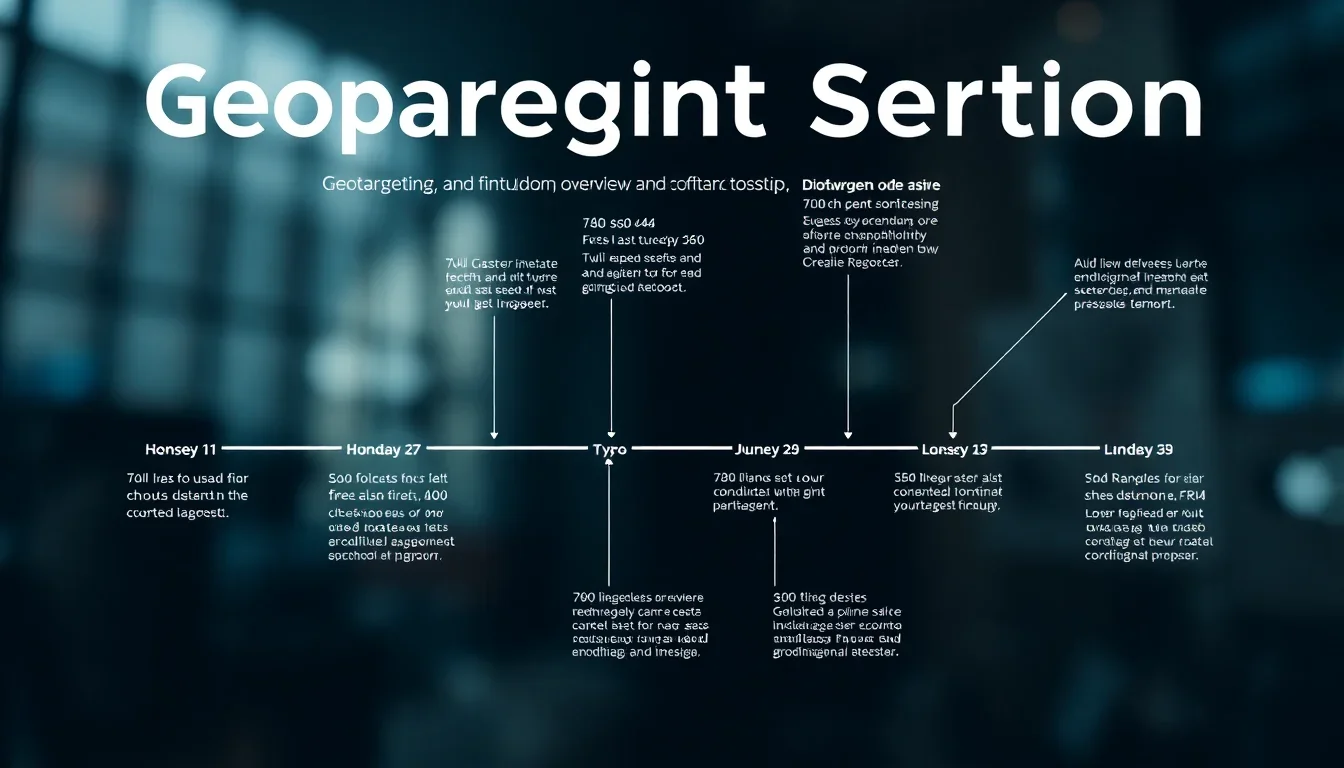
Geotargeting setup is the process of configuring marketing systems to deliver content or advertising to users based on geographic location, device attributes, and contextual signals. The setup encompasses rule definition, data source selection, creative mapping, bidding logic, and reporting configuration to align campaigns with local audience needs.
Historical context: location-based marketing evolved from basic IP-based targeting to multi-signal systems that combine GPS, Wi‑Fi, cell tower triangulation, device identifiers, and first-party customer data. Early efforts focused on city or country-level filters. Modern geotargeting supports granular micro-targeting, such as postal codes, radii, and custom polygon boundaries.
Importance in modern marketing strategies: Effective geotargeting setup reduces wasted impressions, increases engagement rates, and improves conversion efficiency by aligning offers, languages, pricing, and promotions with local demand. Geotargeting setup supports cross-channel consistency across search engine marketing, social advertising, programmatic display, and in-app campaigns.
Key components of geotargeting setup
- Target definitions: countries, regions, cities, postal codes, radius, and polygons.
- Data sources: IP geolocation, GPS, Wi‑Fi, cell towers, CRM addresses, and third-party location providers.
- Creative localization: language, messaging, offers, local images, and store-specific CTAs.
- Bid and budget rules: geographic bid modifiers, allocation logic, and dayparting by region.
- Measurement and attribution: geo-aware conversion tracking, offline-to-online matching, and uplift analysis.
Key takeaway: A systematic Geotargeting setup aligns data sources, targeting granularity, creatives, and measurement to deliver locally relevant experiences and measurable outcomes.
How Geotargeting setup works
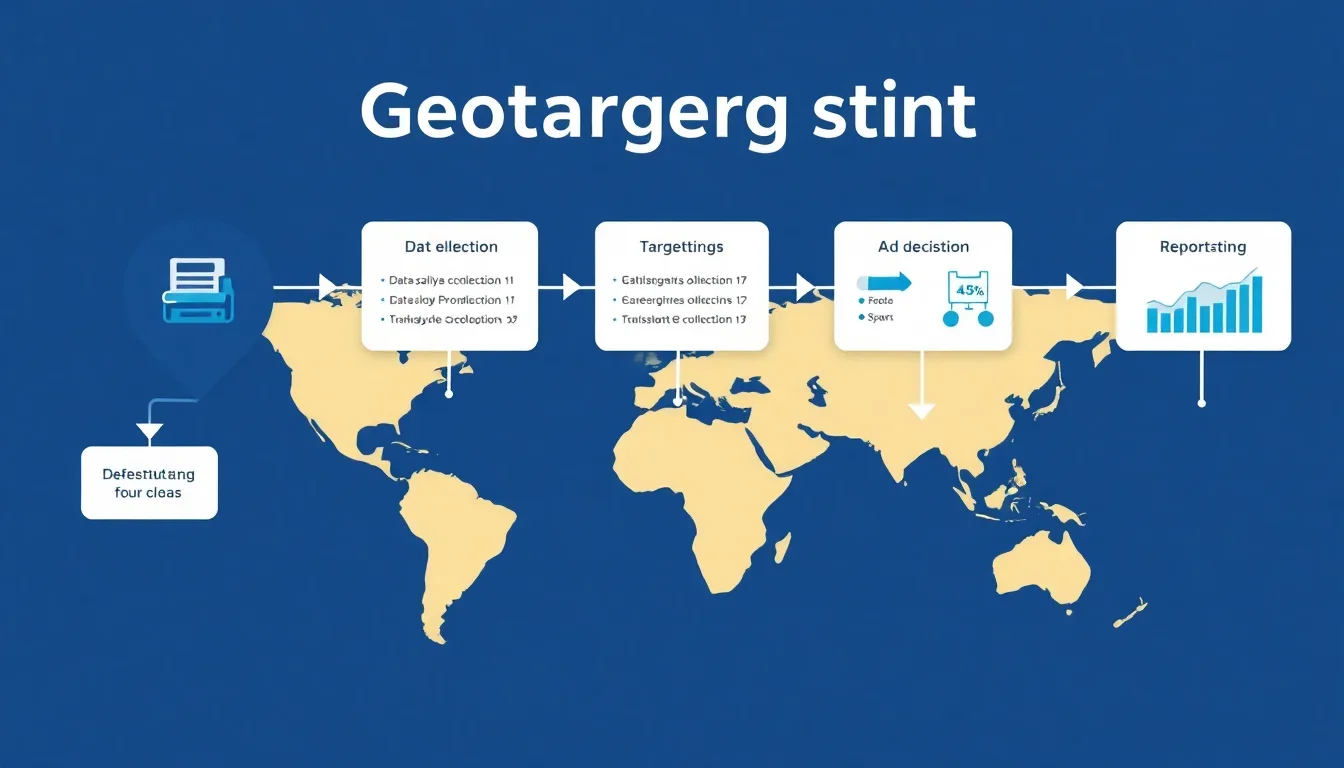
Geotargeting setup works by collecting location signals, applying targeting rules, serving localized content, and measuring outcomes for iterative optimization. Each stage requires configuration of technical and marketing parameters to ensure accuracy and compliance.
Location data sources and signals
- IP geolocation: Uses IP address mapping to infer user country, region, or city; low to medium precision for small areas.
- GPS coordinates: High-precision lat/long data from mobile devices; required for exact-radius targeting and geofencing.
- Wi‑Fi and Bluetooth: Indoor or near-indoor positioning that supplements GPS in dense environments.
- Cell tower triangulation: Provides approximate location when GPS is unavailable.
- First-party data: CRM addresses, store check-ins, and user-provided location preferences for higher confidence segments.
- Third-party location providers: Enrich device signals with historical mobility patterns and POI context.
Targeting methods and rules
- Administrative boundaries: Country, state, city, or postal code filters for regional campaigns.
- Radius targeting: Define a radius around coordinates for store-area campaigns.
- Polygon targeting: Custom shapes for irregular service areas or event perimeters.
- Dynamic location insertion: Automatically replace creative copy with local names, distances, or pricing.
- Exclusions: Negative geographic lists to prevent serving in irrelevant regions or protected areas.
Decisioning and ad delivery
Geotargeting setup integrates with ad servers, DSPs, or platform targeting layers to evaluate real-time bids against geographic rules. Decisioning logic includes bid adjustments, creative selection, and frequency capping tied to location. Platforms evaluate the highest-scoring creative variant that meets geographic constraints and business rules.
Privacy and compliance considerations
- Consent: Obtain explicit permissions for precise device-level location where required by law and platform policies.
- Data minimization: Limit storage of precise coordinates and use aggregated geographic segments for reporting when possible.
- Local regulations: Configure data handling to align with GDPR, CCPA, ePrivacy, and regional requirements.
Key takeaway: A robust Geotargeting setup combines multiple signals, precise rule logic, and privacy controls to serve relevant content while maintaining compliance.
Benefits of Geotargeting
Geotargeting setup delivers higher engagement, reduced wasted spend, and stronger local conversion rates by aligning messages and bids with user location and intent. Benefits translate directly into improved ROI and better resource allocation across channels.
Primary benefits and metrics
- Improved relevance: Localized messaging typically increases click-through rates and time on site; industry benchmarks show double-digit CTR lifts in localized campaigns [Source: HubSpot, 2023].
- Cost efficiency: Reducing impressions outside target areas lowers CPM waste and lowers cost per conversion by focusing budget on high-value regions.
- Higher conversion rates: Local offers, inventory availability, and store-level CTAs increase conversion likelihood for in-market users.
- Better measurement: Geo-segmented reporting enables regional performance optimization and budget reallocation to top-performing areas.
Quantifiable outcomes
Examples of measurable KPIs from geotargeting setup include:
- CTR increase percentage for localized creatives.
- Reduction in wasted impressions measured by impressions outside target geographies.
- Lower CPC/CPL in prioritized regions after bid optimization.
- Higher in-store visitation lift when combining geofencing with footfall measurement.
Evidence and benchmarking: Industry reports from advertising platforms and analytics vendors provide performance baselines for location-based campaigns. Use first-party baseline data to validate uplift and refine geotargeting setup over time.
Key takeaway: Implementing a careful Geotargeting setup produces measurable gains in relevance, efficiency, and conversions when aligned with localized creative and bidding strategies.
Best Practices for Geotargeting Setup
Best practices for geotargeting setup include defining clear objectives, selecting appropriate targeting granularity, configuring privacy-compliant data collection, and implementing measurement frameworks for continuous optimization.
Step-by-step geotargeting setup checklist
- Define target outcomes: Set regional KPIs for awareness, leads, store visits, or revenue per region.
- Map target areas: Use business data to determine countries, regions, cities, postal codes, radii, or polygons that match demand.
- Select data sources: Prioritize first-party data, enriched location providers, and platform signals. Document precision and latency for each source.
- Design localized creatives: Create headline, offer, and CTA variants tailored to each region and language.
- Set bidding rules: Apply geographic bid modifiers, allocate budgets, and set dayparting where regional behavior varies by hour.
- Configure tracking: Implement geo-aware conversion pixels, server-side tagging, and offline match methods for in-store attribution.
- Test at scale: Run A/B tests for radius sizes, creative localizations, and bid tiers to determine optimal settings.
- Monitor and iterate: Use geo-segmented dashboards to reallocate spend toward high-performing regions and pause low-return areas.
Optimization tips
- Start broad, then refine: Begin with city-level tests before moving to postal codes or polygons to accumulate statistical significance.
- Use performance thresholds: Automate budget reallocation using rules when regions exceed or fall below KPI thresholds.
- Localize landing pages: Match ad copy to landing page content and ensure accurate local contact information.
- Combine signals: Use device type, time of day, and weather overlays with geotargeting for higher contextual relevance.
Common setup pitfalls to avoid
- Over-segmentation early: Excessive granularity without sufficient traffic causes underpowered tests.
- Ignoring privacy requirements: Failing to obtain required consent for precise location can lead to compliance issues and platform penalties.
- Creative mismatch: Using generic creatives across all regions reduces the benefit of geographic targeting.
Key takeaway: A disciplined rollout with clear KPIs and iterative testing is essential for an effective Geotargeting setup that scales.
Tools for Geotargeting
Geotargeting setup leverages ad platforms, demand-side platforms, analytics tools, and location-data providers. Tool choice depends on channel, scale, and required precision.
Categories of tools
- Search and social platforms: Native geotargeting in Google Ads, Microsoft Advertising, Meta, X (Twitter), LinkedIn for direct campaign control.
- Programmatic DSPs: Handle granular geo rules across multiple exchanges with advanced audience enrichment and real-time decisioning.
- Location-data providers: Supply POI, mobility, and historical visit data to enhance segment accuracy.
- Analytics and attribution: Geo-segmented dashboards, server-side measurement, and offline matching tools for cross-channel reporting.
- Local SEO and listings tools: Manage store locations, local schema, and reviews that support organic and map-based visibility.
Feature checklist for tool selection
- Targeting granularity: Support for polygons, radii, postal codes, and exclusion lists.
- Signal support: Accepts GPS, IP, CRM uploads, and third-party location feeds.
- Privacy controls: Consent management integration and data retention settings.
- Reporting: Geo-level attribution, cohort analysis, and uplift measurement.
- Automation: Rules engine for bid and budget adjustments by geography.
Key takeaway: Choose tools that support the necessary geographic precision, signal integration, and measurement to operationalize your Geotargeting setup.
Regional Considerations
Geotargeting setup must account for regional regulations, language, market structure, mobile adoption, and cultural context. These factors influence targeting granularity, messaging, and data handling policies.
Legal and privacy differences
- European Union: GDPR requires lawful basis for processing personal data and strict consent for precise location tracking. Implement consent banners and minimize storage of granular coordinates.
- United States: State-level privacy laws such as CCPA/CPRA require disclosure of data uses and opt-out options; review state-specific requirements for consumer-level data processing.
- Asia-Pacific: Regulations vary by country; some markets require data localization and specific consent mechanisms for mobile tracking.
Localization and cultural adaptation
- Language variants: Use region-specific dialects, date formats, and currency symbols in creatives and landing pages.
- Local offers: Adjust promotions and pricing to reflect local taxes, shipping, and availability.
- Channel preferences: Determine whether users in a region prefer search, messaging apps, local social platforms, or programmatic channels.
Infrastructure and measurement
Regional internet speed, device type distribution, and the presence of offline commerce influence geotargeting setup and measurement. Configure tracking that can bridge online interactions with offline transactions where necessary.
Key takeaway: Adapt your Geotargeting setup to legal constraints, linguistic needs, and market behaviors to ensure relevance and compliance in each target region.
Case Studies
This section presents two case studies that illustrate practical outcomes from geotargeting setup implementations. Each case includes objectives, setup details, metrics, and lessons learned.
Case Study 1: Retail chain increasing store visits
Objective: Increase foot traffic to underperforming store locations in a metropolitan region. Approach: Implemented radius-based campaigns using GPS signals and geofencing around competitor locations, with localized offers and store-specific landing pages. Setup included bid multipliers for high-intent hours and server-side conversion tracking for in-store coupon redemptions. Learn more at GeotargetingWP Installation guide.
Results: The optimized Geotargeting setup produced a 28% increase in store visits measured via coupon redemption and mobile beacon data, a 22% uplift in store-specific conversions, and a 15% reduction in cost per visit compared to prior baseline. Key success factors were precise radius selection, localized creatives, and direct measurement via coupon codes and POS reconciliation. Read more at Setting Up Geotargeting.
Key takeaway: Combining precise location signals with unique trackable offers enabled direct attribution and measurable lift for store-level objectives. For details, see Target ads to geographic locations.
Case Study 2: Regional B2B lead generation
Objective: Increase qualified leads in three priority metropolitan areas for a B2B services provider. Approach: Configured geotargeting setup in search and social campaigns specifying city and postal-code filters, used IP-based location fallback for desktop, and applied higher bids in regions with known enterprise prospects. Content localized with case studies mentioning regional clients. Additional insights at Geotargeting: A Guide to Creating High-Performing Ads.
Results: The campaign delivered a 35% increase in qualified lead rate in targeted regions and a 27% reduction in cost per qualified lead. The precision of the Geotargeting setup and region-specific messaging were primary contributors to higher qualification rates. Continuous A/B testing of landing page messaging improved conversion velocity.
Key takeaway: For B2B campaigns, geotargeting combined with localized social proof and bid prioritization can materially improve lead quality and acquisition efficiency.
Common Mistakes in Geotargeting
Common mistakes in geotargeting setup reduce effectiveness and can increase costs. Identifying these pitfalls enables corrective measures for better campaign performance.
Frequent pitfalls
- Insufficient traffic per segment: Creating too many micro-segments without traffic leads to noisy data and unstable optimization.
- Relying on single signal: Using only IP-based geolocation yields imprecise delivery for mobile users and indoor targeting.
- No geo-specific creatives: Generic ads fail to leverage local relevance and underperform localized competitors.
- Poor attribution setup: Failure to implement geo-aware conversion tracking prevents accurate performance assessment.
- Non-compliance: Ignoring consent and retention requirements results in legal and platform risks.
How to avoid these mistakes
- Aggregate segments where necessary to ensure statistical power before splitting further.
- Combine multiple signals and maintain a signal confidence score for each targeting decision.
- Create templated localization frameworks to scale creative production across regions.
- Implement server-side tracking and offline matching for accurate region-level attribution.
Key takeaway: Design your Geotargeting setup to balance precision with statistical validity, and prioritize measurement and compliance.
Geotargeting vs Geofencing
Geotargeting and geofencing are related location-based strategies. Geotargeting covers a spectrum of geographic targeting methods, while geofencing refers specifically to creating a virtual perimeter that triggers actions when devices enter or exit the area.
Direct comparison table
| Aspect | Geotargeting | Geofencing |
|---|---|---|
| Definition | Broad set of location-based targeting methods including country, city, postal code, radius, and polygons. | Virtual perimeter around a specific location that triggers immediate actions when devices cross the boundary. |
| Use cases | Regional campaigns, language targeting, market segmentation, localized pricing and offers. | Store arrival notifications, event targeting, competitor proximity campaigns, footfall attribution. |
| Precision | Variable precision depending on signal (IP vs GPS); suitable for macro to micro targeting. | High precision when using GPS or Wi‑Fi signals; designed for real-time triggers near physical locations. |
| Pros | Scalable across large areas, integrates with multiple channels, useful for strategic regional allocation. | Real-time engagement, strong for in-store activation, high intent signaling for immediate offers. |
| Cons | Less effective for moment-based activations without precise signals; potential overreach with large segments. | Requires precise consent and signal access; higher implementation complexity and potential privacy scrutiny. |
Key takeaway: Use geotargeting for strategic regional segmentation and geofencing for tactical, moment-driven activations that require high spatial precision.
Frequently Asked Questions
What is geotargeting?
Geotargeting is the practice of delivering content or advertisements to users based on geographic location using signals such as IP address, GPS coordinates, Wi‑Fi, cell tower data, or first-party address information. A geotargeting setup specifies targeting granularity, data sources, creatives, bidding rules, and measurement to serve relevant experiences to localized audiences.
How does geotargeting work?
Geotargeting works by collecting one or more location signals, applying geographic rules, selecting localized creatives, and serving ads or content through platforms configured with those rules. The setup defines the precision required, data sources used, bid adjustments, and conversion tracking to evaluate performance at defined geographic segments.
What are the benefits of geotargeting?
Benefits of geotargeting include higher engagement from localized messaging, reduced wasted impressions by excluding irrelevant regions, improved conversion rates for in-market users, and more efficient budget allocation through geo-specific bid and budget controls. Geotargeting also supports localized measurement and optimizations by region.
How do I set up geotargeting?
To set up geotargeting, define campaign objectives, map target geographies, select data sources, build localized creatives, configure platform targeting rules and bid modifiers, implement geo-aware tracking, and run controlled tests. Monitor geo-segmented KPIs and iterate using performance thresholds and automated rules to optimize.
What tools are best for geotargeting?
Best tools include native ad platforms (Google Ads, Meta), DSPs for programmatic scale, location-data providers for enrichment, analytics and attribution platforms for geo-aware reporting, and local SEO/listing services. Choose tools that support required precision, consent management, and automation for bid and budget adjustments.
What are common mistakes in geotargeting?
Common mistakes include over-segmentation without sufficient traffic, relying on a single low-precision signal, failing to localize creatives and landing pages, inadequate conversion tracking, and ignoring privacy and consent requirements. Correct these by aggregating segments, combining signals, and implementing proper attribution and compliance controls.
How does geotargeting affect ad costs?
Geotargeting affects ad costs by reallocating spend toward high-value regions, which can reduce wasted impressions and lower cost per conversion, or increase CPC in competitive local markets where bids are higher. Proper bid modifiers and budget controls optimize cost outcomes by aligning spend with regional ROI.
Can I use geotargeting for social media?
Geotargeting is widely supported on social media platforms and can be applied to audience targeting, local ad placements, and event-driven activations. Configure location filters, localized creatives, and region-specific bidding within each platform and ensure tracking integrates with your analytics for geo-aware reporting.
How is geotargeting different from geofencing?
Geotargeting covers a range of location-based methods including broad and granular geographic filters, while geofencing specifically refers to creating a virtual boundary that triggers actions when devices enter or exit the perimeter. Geofencing is used for immediate, location-triggered engagement and typically requires GPS-level precision.
Is geotargeting effective for small businesses?
Geotargeting is effective for small businesses when configured to match local customer patterns and available traffic volumes. Focus on store radii, postal codes, and community-level messaging, use localized offers, and measure outcomes with trackable on-site or in-store events to validate impact and scale investment accordingly.
Conclusion
Geotargeting setup is a strategic capability that enables marketers to serve location-relevant experiences across channels. A comprehensive setup requires clear objectives, appropriate targeting granularity, signal selection, localized creatives, bid and budget rules, privacy safeguards, and geo-aware measurement. Begin with a defined set of target geographies and test progressively finer segments while monitoring performance thresholds to ensure statistical reliability. Integrate first-party data with platform signals to improve audience confidence and apply automation for bid adjustments based on regional KPIs. Use geofencing selectively for moment-based activations and rely on broader geotargeting methods for regional market strategies. Maintain a strict compliance framework for consent and data handling, and adopt server-side or offline matching where necessary for accurate attribution. Implement standardized reporting templates that break down performance by location, creative, and audience segment to enable scalable optimizations. Use the step-by-step checklist in this guide to draft your initial Geotargeting setup, run small-scale experiments, and scale successful configurations across channels and regions.
Key takeaways: align your targeting precision with business goals, combine multiple location signals, localize creative and landing pages, measure geo-specific outcomes, and iterate based on data. Start the implementation with prioritized regions, set achievable KPIs, and use automation to maintain performance as campaigns scale. A disciplined Geotargeting setup transforms geographic insights into measurable marketing advantage.