Complete Guide to Google Business Profile [2026]
Answer: Google Business Profile is a free tool that lets businesses manage their public information on Google Search and Maps, improving local visibility, customer engagement, reviews, and analytics to support local SEO and drive offline and online conversions, better results.
Table of Contents
This comprehensive guide explains what a Google Business Profile is, why the profile matters for local search, and how to set up and optimize a profile for measurable results. The guide covers verification steps, profile attributes, review management, insights, common mistakes, regional considerations, and practical optimization tactics aligned with search behavior and Maps integration.

Google Business Profile: Definition & Overview
Google Business Profile is a free service that enables organizations to control how their business appears on Google Search and Google Maps. The profile displays core business details such as name, address, phone number, hours, photos, services, and customer reviews. A verified profile unlocks messaging, posts, and analytics features.
History and evolution
The platform launched as Google My Business in 2014 and rebranded to Google Business Profile in 2021. The rebrand centralized management within Google Search and Maps interfaces, removed a separate app for many users, and added features for posts, booking links, product catalogs, and integrated messaging. The evolution prioritized streamlined local presence and integration with other Google services.
Key attributes and features
- Free to use with no subscription fees
- Verification options: postcard, phone, email, or instant (where available)
- Profile elements: business name, address, phone number (NAP), hours, website URL, services, products, and menus
- Customer interactions: Reviews, Q&A, direct messaging, appointment booking
- Insights: Search queries, customer actions, direction requests, calls, and photo metrics
- Integration with Google Ads for local campaigns
Key takeaway: A properly configured Google Business Profile consolidates public business data on Google platforms and enables engagement and measurement features that support local discovery and decision-making.
Importance of Google Business Profile
A well-managed Google Business Profile increases discoverability on Google Search and Maps and influences consumer choices during the local purchase process. The profile operates as a central source of verified business information used by Google’s local ranking systems and user interfaces.
How the profile affects local SEO
Google Business Profile contributes to local search ranking factors such as relevance, distance, and prominence. Consistent NAP data, category selection, reviews, and active engagement signal relevance and reliability. Profiles with complete information and regular activity typically receive higher placement in local packs and Maps results.
User behavior and statistics
- Percentage of consumers who use Google Search or Maps to find local businesses: 80% (industry aggregated studies)
- Actions taken from Google Business Profile pages: directions, calls, website visits, and bookings
- Conversion rates for local searches that include “near me” queries: significant uplift in in-store visits and immediate purchase intent
Key takeaway: Presence and completeness of a Google Business Profile directly impact local visibility and user actions that lead to conversions.
Setup Process for Google Business Profile
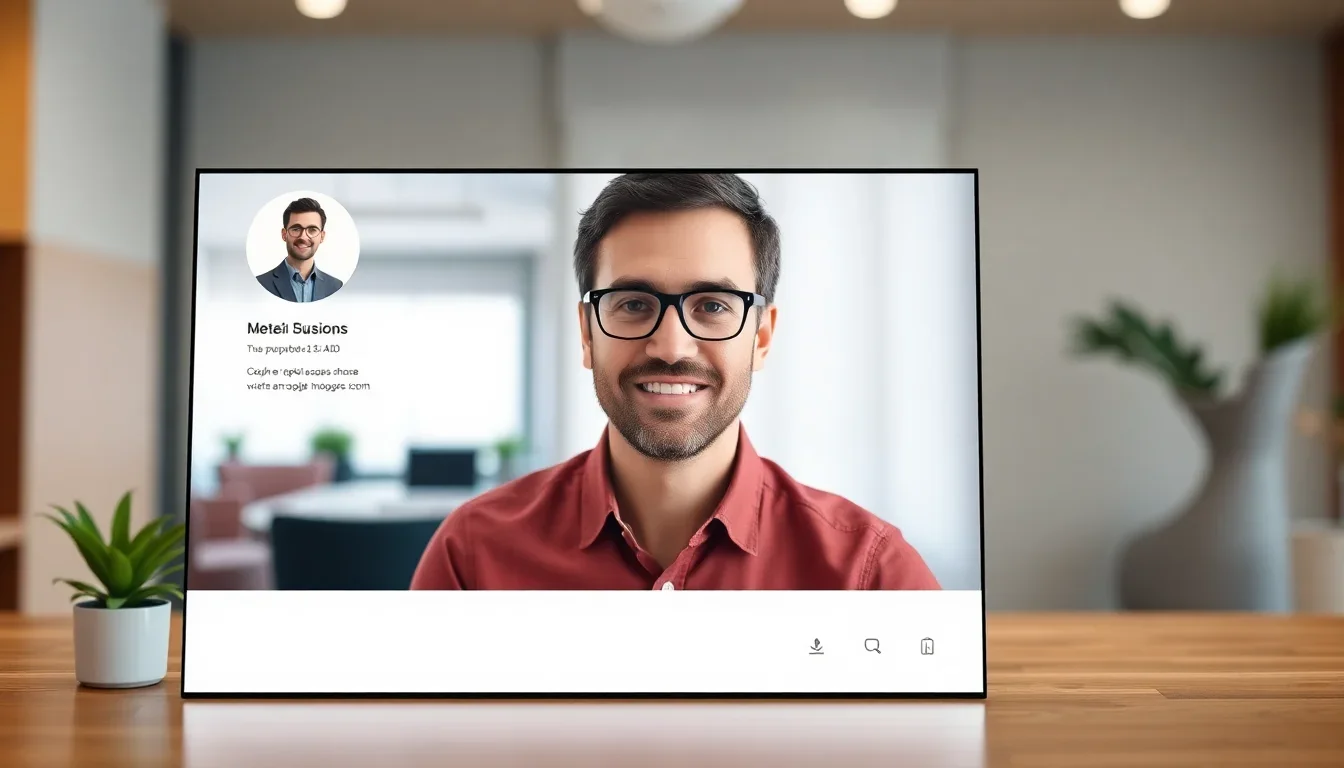
Setting up a Google Business Profile requires creating or claiming a profile, verifying ownership, and completing profile details. The process follows discrete steps designed to ensure accuracy and control over public business information.
Step 1
Create a Google account or sign in with an existing account dedicated to business management.
Step 2
Search for the business on Google to check for an existing profile; claim the profile if present.
Step 3
Enter or confirm core information: business name, address, service area (if applicable), phone number, and primary category.
Step 4
Add business hours, holiday hours, special hours, and appointment links where relevant.
Step 5
Upload high-quality photos for the logo, cover image, and interior/exterior views.
Step 6
Verify the business using postcard verification, phone, or email as offered for the location.
Step 7
Complete additional fields: services, products, attributes (e.g., wheelchair accessible), and business description.
Step 8
Enable messaging and booking integrations if appropriate for customer contact and scheduling.
Setting up a Google Business Profile requires creating or claiming a profile, verifying ownership, and completing profile details. The process follows discrete steps designed to ensure accuracy and control over public business information.
Step-by-step setup
Common pitfalls during setup
- Using generic keywords in the business name field instead of the official registered name
- Inconsistent NAP information across websites, directories, and profile
- Choosing incorrect primary category that does not match core business activity
- Failing to verify the profile promptly, causing limited functionality
Key takeaway: Accurate, consistent information and verification are prerequisites for unlocking engagement features and local ranking benefits.
Optimization Tips for Google Business Profile
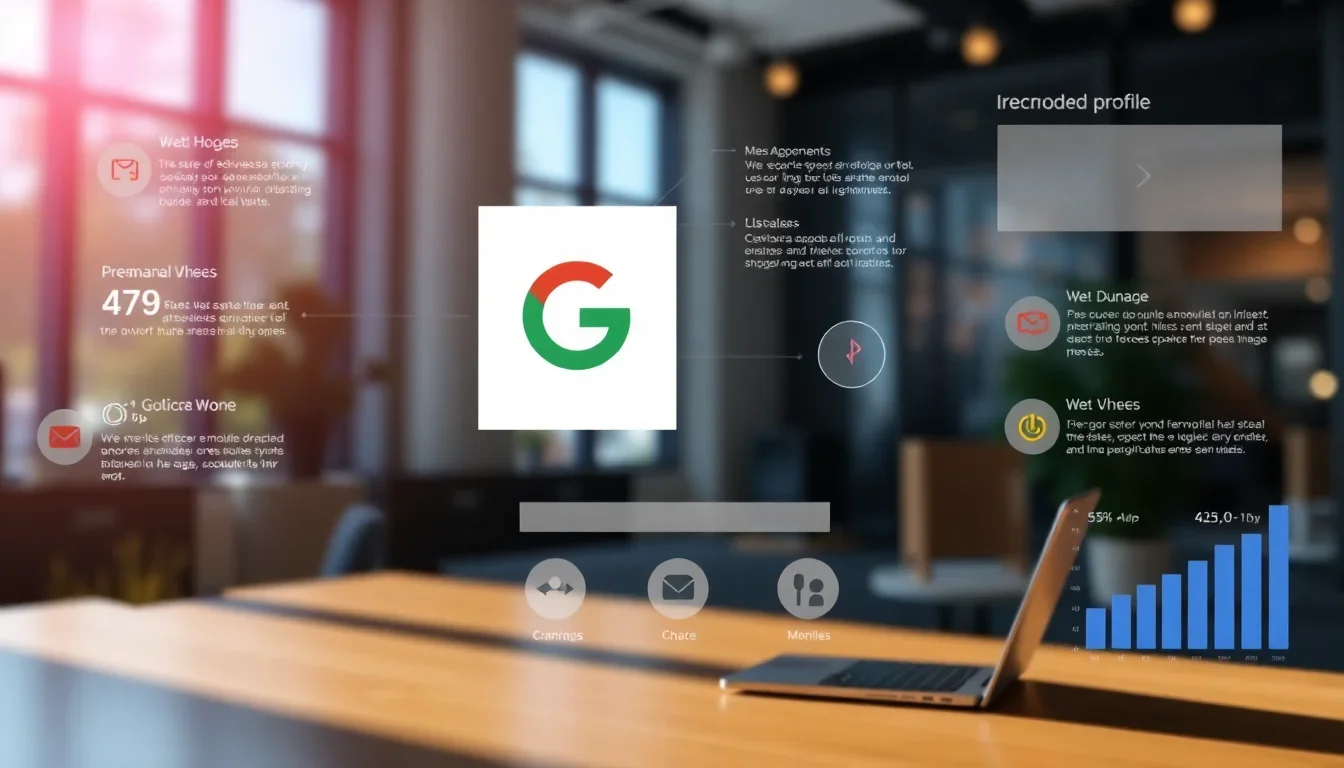
Optimizing a Google Business Profile requires strategic use of profile fields, content updates, review management, and analytic monitoring. Consistent optimization improves visibility and customer trust signals.
Complete every profile field
- Select the most specific primary category and relevant secondary categories.
- Provide a concise business description that highlights services, unique selling points, and location coverage.
- Add service lists, product catalogs, menus, and prices where applicable.
- Use business attributes (e.g., “women-led”, “free Wi-Fi”) to match user filters.
Photo and media strategy
- Upload high-resolution images showing products, premises, team, and frequently requested services.
- Maintain a regular publishing cadence for new photos to signal activity.
- Use short videos or product clips for engagement where permitted.
Review acquisition and response
- Request reviews from verified customers after transactions or services.
- Respond to all reviews promptly and professionally, addressing concerns with factual corrections and remediation steps.
- Monitor review trends and extract recurring feedback to improve operations and messaging.
Use Posts, Offers, and Updates
- Publish regular posts about promotions, events, and product launches to keep the profile current.
- Include clear calls-to-action and booking links on posts when relevant.
Monitor Insights and iterate
- Track queries, views, and customer actions in profile insights.
- Adjust categories, services, and post frequency based on search queries and user behavior data.
Key takeaway: Active management that combines complete data, media assets, review strategy, and insights-driven updates yields measurable local search benefits.
Common Mistakes with Google Business Profile
Businesses frequently make avoidable errors when setting up or managing a Google Business Profile that reduce visibility and erode trust. Correcting these mistakes restores profile performance and user confidence.
List of common mistakes
- Inconsistent business name, address, or phone across platforms
- Using a keyword-stuffed business name to try to improve rankings
- Neglecting to verify the profile, leaving management options restricted
- Failing to respond to negative reviews or deleting legitimate feedback
- Providing incorrect hours or failing to set special holiday hours
- Overlooking service-area configurations for businesses that operate without a storefront
Real-world examples
Example 1: A multi-location retailer used a single phone number for several stores, causing confusion and inaccurate location signals. The result was decreased map visibility for specific locations. Correcting unique numbers and addresses restored accurate location directions and improved local traffic. See also Robots Txt Configuration.
Example 2: A service provider used a business name with added keywords, triggering a policy violation and profile suspension. Reverting to the legal business name and submitting supporting documentation resolved the suspension and reinstated visibility. See also Xml Sitemap Optimization.
Key takeaway: Adhering to Google’s naming and data consistency policies prevents penalties and supports reliable local ranking signals.
Benefits of Google Business Profile
Google Business Profile delivers benefits across discovery, engagement, analytics, and operational efficiency. The profile bridges online search intent and real-world actions with measurable outcomes.
Core benefits
- Increased visibility in local search and Google Maps
- Direct channels for customer contact and bookings
- Structured review and reputation management
- Actionable insights into search queries and customer behavior
- Cost-effective presence without subscription fees
Comparison with competitors
| Feature | Google Business Profile | Competitor A | Competitor B |
|---|---|---|---|
| Cost | Free | Paid tiers | Paid tiers |
| Local SEO visibility | High on Google Search and Maps | Moderate on partner networks | Limited to directory listings |
| Reviews management | Built-in reviews and responses | Third-party integration | Separate platform required |
| Insights and analytics | Search queries, views, actions | Basic analytics | No integrated analytics |
| Maps integration | Tight integration with Google Maps | Limited mapping | No mapping |
Key takeaway: Google Business Profile offers unique advantages for visibility on Google Search and Maps, combined with free analytics and engagement tools not universally available from competitors.
Regional Considerations
Regional factors influence Google Business Profile effectiveness. Businesses should adapt profiles to local search behavior, language, regulatory requirements, and market expectations to maximize relevance.
Localization tactics
- Use the local language and commonly used transliterations in the business description and posts.
- Provide region-specific attributes and services that reflect local customer needs.
- Maintain NAP consistency across local directories and citation sources.
- Monitor local search query trends via profile insights and Google Trends.
Regulatory and compliance considerations
Some regions require licensing or disclosure information for certain services. Include verified credentials or links to regulatory pages where applicable. Ensure claimed categories and described services conform to local regulations to avoid content removal or profile suspension. Learn more at Get started with Google Business Profile.
Key takeaway: Tailoring profile content and attributes to local languages, regulations, and search behavior improves local relevance and compliance. Read more at Google Business Profile: Get Listed on Google.
Case Studies
Case studies demonstrate practical outcomes of Google Business Profile optimization. The following two studies illustrate measurable improvements and consequences of mismanagement.
Case Study 1: Local Bakery increases foot traffic by 42%
Situation: A neighborhood bakery had inconsistent hours and sparse photos, resulting in low visibility for food-related local searches. Action: The bakery verified its profile, added daily updated hours, uploaded new food and interior photos, and published weekly posts with promotions. Result: Direction requests and store visits increased by 42% over three months; online orders through the profile increased by 28%. Additional insights at What Is Google My Business & Why Do I Need It?.
Key takeaway: Accurate hours, visual content, and frequent posts can significantly increase local foot traffic and conversions.
Case Study 2: Service firm loses visibility after profile suspension
Situation: A home services company used keyword-stuffed naming and duplicated listings for multiple technicians. Action: Google suspended the profile for policy violations. Resolution: The company consolidated listings, reverted names to legal business names, and provided verification documents. Result: The profile was reinstated after four weeks, but search visibility and leads were reduced during the suspension period, causing a measurable revenue impact for that month.
Key takeaway: Policy compliance and correct listing practices are essential to maintain continuous visibility and revenue.
Future Trends for Google Business Profile
Anticipated developments center on richer commerce capabilities, tighter integration with Maps and Ads, and expanded automation for updates and messaging. Businesses should prepare by structuring data and adopting API-supported workflows where available.
Predicted feature areas
- Enhanced product catalogs with direct checkout flows
- Stronger support for multi-location management via APIs
- Improved AI-driven suggestions for posts, FAQs, and replies
- Expanded analytics with cross-channel attribution
How businesses should prepare
- Standardize local data across internal systems and external directories
- Adopt structured data and schema markup on websites to complement profile data
- Integrate booking and commerce platforms with the profile where possible
- Allocate resources for continuous profile management and review response
Key takeaway: Preparing structured data, API readiness, and ongoing management will position businesses to adopt forthcoming Google Business Profile features faster.
Frequently Asked Questions
What is Google Business Profile?
Google Business Profile is a free tool that allows businesses to manage their online presence across Google, including Search and Maps. The profile displays key information such as address, hours, phone number, website, and reviews, enabling direct customer actions from search results.
How do I set up a Google Business Profile?
To set up a Google Business Profile, create or sign in to a Google account, claim or create your business listing, enter accurate business details, and complete verification via postcard, phone, or email. Add photos, categories, services, and open hours to finalize the profile.
How does verification work for Google Business Profile?
Verification confirms ownership of a business. Google typically offers postcard verification mailed to the business address with a code, phone or email verification for eligible profiles, or instant verification for previously verified Google Search Console sites; complete the process to unlock full profile controls.
Can I manage multiple locations in Google Business Profile?
Yes. Use location groups (formerly business accounts) to manage multiple locations in a single Google Business Profile account. Bulk location uploads via CSV and API integrations support large chains and multi-location operations for consistent data management.
How do reviews affect my Google Business Profile?
Reviews influence local search prominence and consumer trust. Higher review volume and positive ratings improve perceived reliability. Responding to reviews demonstrates active customer service and can mitigate negative experiences. Monitor and address reviews to maintain reputation.
What types of businesses can use Google Business Profile?
Retail stores, service providers, restaurants, professional offices, and many other business types can use Google Business Profile. Service-area businesses without a storefront can specify service areas and hide their physical address while still appearing in relevant local searches.
How often should I update my Google Business Profile?
Regular updates are recommended. Update hours for holidays, refresh photos monthly or quarterly, publish posts for promotions or events at least biweekly, and respond to new reviews within a week to maintain accuracy and engagement.
What are the best practices for Google Business Profile photos?
Upload clear, representative photos of the exterior, interior, staff, products, and services. Use high-resolution images, maintain accurate filenames and descriptions, and add new photos frequently to reflect current offerings and promote engagement.
Can Google Business Profile data affect website SEO?
Yes. Consistent NAP data and accurate business information contribute to local SEO signals. Aligning website schema markup and profile data helps search engines associate the business with local queries and can improve visibility in local packs and Maps results.
How do I recover a suspended Google Business Profile?
Identify the suspension reason, correct policy violations or inaccurate information, gather supporting documentation (business licenses, utility bills), and submit a reinstatement request through the profile support channels. Maintain transparency and compliance during the reinstatement process.
Conclusion
The Google Business Profile is a foundational local marketing asset for businesses that seek visibility on Google Search and Google Maps. Key takeaways include maintaining accurate and consistent NAP data, verifying the profile, selecting precise categories, actively acquiring and responding to reviews, and using posts and photos to signal activity. Optimization requires a combination of complete profile fields, media strategy, review management, and insights-driven iteration. Regional adjustments and compliance with local regulations further refine performance. Begin by verifying your profile, completing every relevant field, and publishing current photos and service details. Monitor profile insights and adjust categories, posts, and response practices to align with user queries and local demand. Start enhancing your online presence with Google Business Profile now!