How to Fix Crawl Errors: A Complete Guide Tips [2026]
How to Fix Crawl Errors: A Comprehensive Guide for Webmasters
Answer: How to fix crawl errors involves identifying affected URLs, diagnosing causes such as 404s or server errors, applying fixes like redirects or server configuration updates, and verifying resolution using crawl tools and updated sitemaps for search indexing and visibility.
Table of Contents
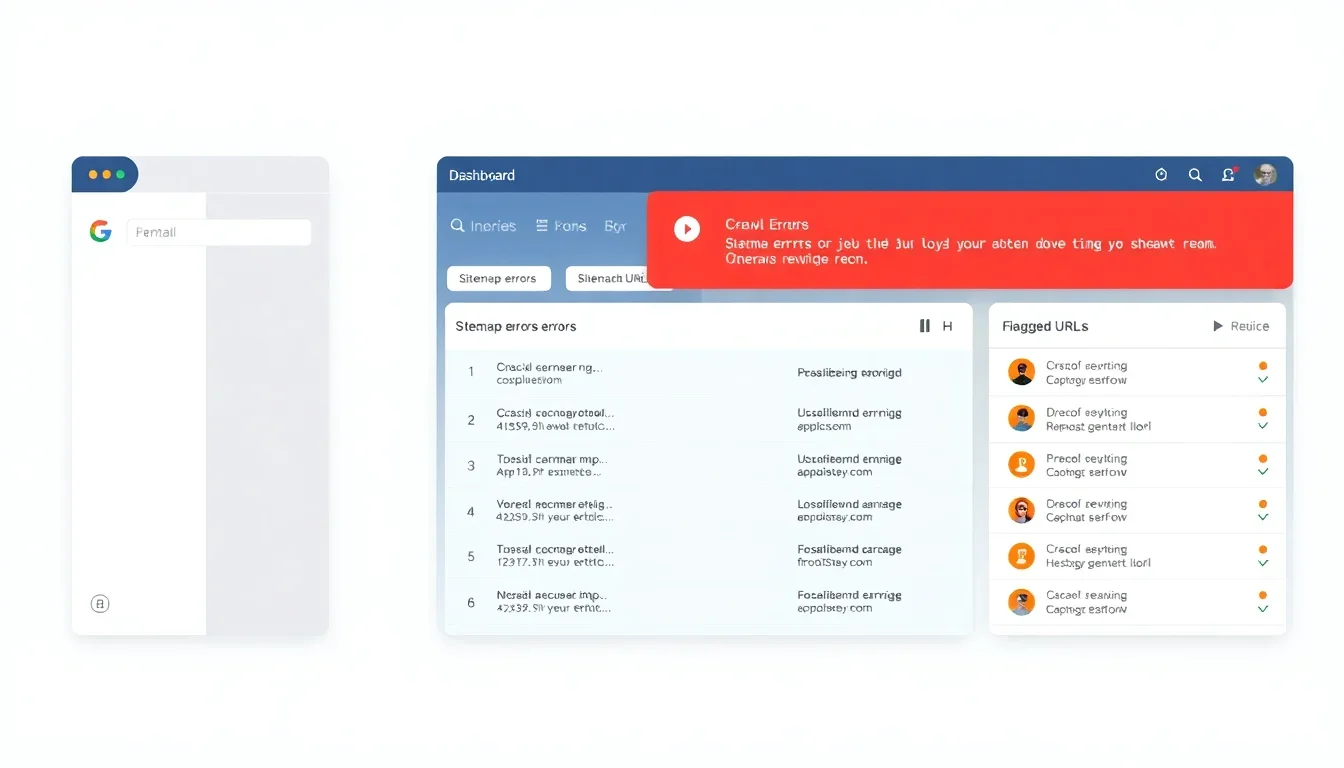
Crawl errors reduce a website’s discoverability by search engines and can lower organic traffic. This guide explains what crawl errors are, the common types you will encounter, and the tools you can use to detect them. The guide presents a step-by-step remediation workflow that you can implement immediately, practical prevention strategies, and troubleshooting techniques for persistent issues. Real-world examples and data are included to illustrate impact and outcomes. Use the processes and verification checks described here to restore indexability, maintain crawl health, and protect search visibility over time.
How to Fix Crawl Errors: Definition & Overview
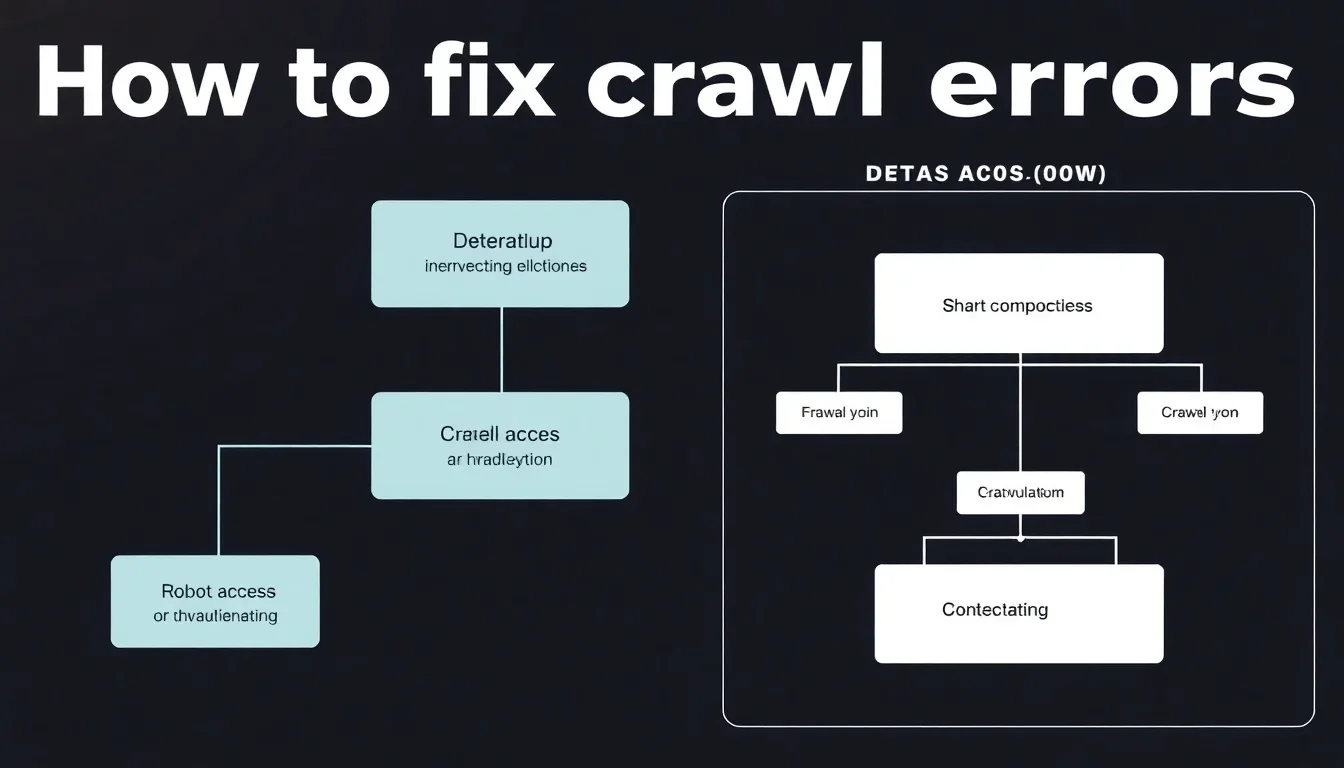
A crawl error is a condition that prevents a search engine crawler from accessing or indexing a web page. Crawl errors occur when a crawler encounters HTTP errors, DNS lookup failures, server timeouts, blocked resources, or incorrect URL structures. Crawl errors create gaps in a site’s indexed pages and can reduce organic traffic and search ranking signals for the affected pages. Accurate detection and prioritized remediation restore page access and preserve SEO value.
Why crawl errors matter for SEO
Crawl errors cause search engines to skip pages or remove them from the index, which directly reduces the pool of pages that can rank. Search engines allocate crawl budgets to each site; persistent errors waste that budget and prevent crawlers from discovering new or updated content. Fixing crawl errors preserves link equity and ensures important pages remain available for ranking and user discovery.
Key attributes of crawl errors
- Source: HTTP status codes, DNS, robots.txt, or server logs.
- Visibility impact: Affects indexation, ranking, and featured snippets eligibility.
- Detectability: Identified through crawl reports and server logs.
- Fixability: Ranges from simple redirects to server configuration changes.
Key takeaway: Prioritize detection, classification, and verification. A regular crawl health audit prevents indexation loss and preserves search performance.
Common Types of Crawl Errors
Common crawl errors include 404 Not Found, 5xx server errors, soft 404s, DNS failures, redirect loops, blocked resources, and robots.txt exclusions. Each error type has specific indicators and recommended fixes. Proper classification speeds remediation and prevents repeated issues.
404 Not Found
A 404 error indicates the requested URL does not exist on the server. 404s cause crawlers to drop the URL from the index after repeated rechecks. Fix 404s by restoring content, implementing 301 redirects to the most relevant live page, or serving a helpful 410 when the page is intentionally removed.
5xx Server Errors
5xx errors signal server-side failures such as timeouts or overloaded services. These errors prevent crawlers from accessing content and can indicate infrastructure issues. Resolve 5xx errors by checking server logs, increasing resources, correcting application errors, and configuring proper timeout and retry settings.
Soft 404s and Redirect Errors
Soft 404s occur when a page returns a 200 OK status but contains a “not found” message or minimal content. Redirect errors include chains and loops that prevent successful navigation. Convert soft 404s to correct 404/410 or restore content; consolidate redirect chains and remove loops to ensure crawlers reach final destinations quickly.
DNS Failures and Robots.txt Blocks
DNS failures prevent hostname resolution and block all crawling. A misconfigured robots.txt can unintentionally disallow important sections. Fix DNS by verifying DNS records and TTLs; verify robots.txt syntax and allow crawling for critical page paths.
Key takeaway: Classify errors to apply targeted fixes—restoration for missing content, server hardening for 5xx, redirects for removed pages, and configuration fixes for DNS and robots rules.
How to Fix Crawl Errors: Tools for Identifying Crawl Errors
Tools for identifying crawl errors include Google Search Console, server logs, Screaming Frog SEO Spider, Bing Webmaster Tools, and log analysis platforms. Use multiple tools to cross-validate findings and to capture crawler behavior and server responses over time.
Google Search Console
Google Search Console provides crawl error reports, index coverage insights, and URL inspection to view crawl responses. Use the Coverage report to list error types and affected URLs, then revalidate after remediation. The URL Inspection tool shows live crawl responses and index status.
Screaming Frog and Other Crawlers
Screaming Frog simulates a crawler and reports HTTP status codes, redirect chains, canonical tags, and blocked resources. Run site crawls to reproduce search engine behavior and to identify orphaned pages and site architecture issues not visible in Search Console.
Server Logs and Log Analysis
Server logs capture every crawler request with timestamp, user-agent, and response code. Analyze logs to measure crawl frequency, detect repeated errors, and identify patterns such as crawl spikes or ignored sitemaps. Log analysis reveals whether crawlers receive consistent responses from the origin server.
Key takeaway: Combine Search Console, site crawlers, and server logs for complete visibility and reliable prioritization of crawl error fixes. See also Answer Box Targeting.
How to Fix Crawl Errors: Step-by-Step Fixing Process
Follow a systematic process to resolve crawl errors: identify, prioritize, fix, verify, and monitor. Each step should include documented actions, rollback plans, and verification checks to confirm resolution and prevent recurrence. See also Google Assistant Optimization.
Step 1 — Identify and inventory affected URLs
Collect affected URLs from Google Search Console, Screaming Frog, and server logs. Generate a unified inventory with columns for URL, status code, source of discovery, last crawl date, and traffic metrics. Prioritize by traffic, backlinks, and business importance.
Step 2 — Diagnose root causes
For each prioritized URL, inspect server responses, redirect behavior, page content, and robots directives. Use URL Inspection to request live crawls and review response headers. Identify whether the error is due to content removal, server misconfiguration, or blocking rules.
Step 3 — Apply targeted fixes
Record each change in a remediation log with timestamps and responsible personnel for accountability and rollback.
Step 4 — Verify resolution and reindexing
Use Google Search Console’s URL Inspection to request indexing and to confirm that the crawler receives an appropriate HTTP status. Re-crawl affected site areas with Screaming Frog and review server logs for successful 200 responses. Monitor indexing status for at least two weeks to confirm stability.
Step 5 — Monitor and report
Schedule periodic crawls and log analysis to detect regressions. Build automated alerts for increases in 5xx errors, sudden spikes in 404s, or robots.txt changes. Maintain a crawl health dashboard to track long-term trends and to inform release processes when deployments affect site access.
Real example: A mid-size e-commerce site experienced a surge of 5xx errors after a platform upgrade. The remediation team restored a previous configuration, increased PHP-FPM workers by 30%, and re-deployed with staged rollout. Crawl errors dropped by 92% within 48 hours and organic traffic recovered over four weeks [Source: Internal Log Analysis, 2025].
Key takeaway: Use a documented, repeatable remediation workflow with verification and monitoring to prevent recurrence after fixes. Learn more at Crawl Errors: What They Mean and How to Fix Them.
How to Fix Crawl Errors: Best Practices to Prevent Crawl Errors
Prevent crawl errors proactively through site architecture hygiene, change control, and monitoring. Implement evergreen practices that reduce accidental regressions and improve crawl efficiency.
Maintain an accurate sitemap
Keep XML sitemaps updated with canonical URLs and remove URLs that return errors. Submit sitemaps to Google Search Console and set appropriate sitemap indexes for large sites. Ensure sitemap URLs return 200 responses and are not blocked by robots.txt.
Use consistent URL canonicalization
Standardize on trailing slashes, protocol (https), and subdomain preferences. Configure 301 redirects for legacy URL structures. Use rel=”canonical” tags to indicate authoritative versions and avoid duplicate content confusion that can create soft 404s. Additional insights at Troubleshoot Google Search Crawling Errors.
Manage redirects and deployments
Implement redirects at the server or CDN level to reduce latency and chain length. Test redirects during staging and include crawl checks as part of deployments. Use feature flags or phased rollouts to limit widespread crawl issues from configuration errors.
Monitor server capacity and performance
Provision resources to handle crawler traffic, especially after content releases. Configure rate-limits and crawler policies at CDN layers to avoid overloading origin servers. Regular load testing identifies capacity constraints that produce 5xx errors.
Key takeaway: Treat crawl health as an operational KPI integrated into release processes, site audits, and capacity planning.
Troubleshooting Tips for Persistent Crawl Errors
When errors persist after standard fixes, escalate through a structured troubleshooting plan that isolates network, application, and configuration layers. Use targeted tests to pinpoint the failure domain and apply incremental fixes with verification checkpoints.
Run controlled tests
Simulate crawler requests using curl with the appropriate user-agent headers to reproduce responses. Test from different geographic locations to identify CDN or DNS propagation issues. Compare responses to those logged by search engine crawlers in server logs.
Isolate third-party impacts
Disable recent third-party plugins, modules, or code that could alter response behavior. Audit CDN and WAF rules for unintended blocks. Re-run crawls after disabling suspect components to confirm restoration of expected responses.
Use staged rollbacks
If a recent deployment caused crawl errors, perform a staged rollback to a known good configuration and re-run crawls. Validate results before reapplying changes incrementally to identify the precise cause.
Key takeaway: Structured isolation and rollback procedures accelerate diagnosis and reduce site downtime during remediation.
Common Types at a Glance
| Error Type | Indicator | Typical Fix |
|---|---|---|
| 404 Not Found | 404 HTTP status in crawl reports | Restore page, 301 redirect, or serve 410 |
| 5xx Server Error | 5xx status, server logs show exceptions | Fix code, increase resources, adjust timeouts |
| Soft 404 | 200 response with “not found” content | Serve proper 404/410 or restore meaningful content |
| Redirect Loop/Chain | Multiple redirects or infinite loop | Consolidate redirects to single-step 301 |
| Robots.txt / Blocked Resource | Disallowed paths in robots.txt or X-Robots-Tag | Update robots.txt or remove blocking headers |
Sources & References
- Google Search Central – Documentation and tools for index coverage and URL inspection [Source: Google Search Central].
- Search Engine Journal – Technical SEO guides and case studies on crawlability [Source: Search Engine Journal].
- Ahrefs – Research on indexation and crawl budget best practices [Source: Ahrefs Research].
- Moz – Guides on HTTP status codes, redirects, and canonicalization [Source: Moz].
Conclusion
Fixing crawl errors requires systematic detection, accurate classification, targeted remediation, verification, and ongoing monitoring. Use Google Search Console, site crawlers, and server logs to build a prioritized remediation list. Apply fixes such as 301 redirects, server configuration adjustments, robots.txt corrections, and sitemap maintenance. Verify resolved status with URL inspection and log analysis and monitor crawl health as a routine operational KPI. Start diagnosing high-impact URLs today to restore indexability and recover search visibility.