Complete Guide to Rank Math Plugin [2026]
Answer: Rank Math plugin is a WordPress SEO extension that automates on-page optimization, provides built-in schema markup, integrates with Google Search Console, runs keyword and SEO analysis, and delivers modular tools for sitemaps, redirections, and advanced SEO reporting across websites.
Table of Contents
Rank Math Plugin: The Ultimate Guide to Boosting Your WordPress SEO in 2026
This guide opens with a clear pain point: are you struggling to optimize your WordPress site for search engines? Many site owners lose traffic when SEO setup is incomplete or inconsistent. With search algorithms changing frequently, failure to adapt results in lost visibility and revenue. This comprehensive guide previews a practical solution: a systematic walkthrough of how the Rank Math plugin streamlines on-page SEO, schema, sitemaps, and integrations to improve organic rankings. The introduction includes a concise implementation plan, common pitfalls to avoid, and a recommended starting checklist. The guide is authored by an experienced SEO practitioner presenting step-by-step instructions, real case studies, troubleshooting protocols, and cost analysis to help site administrators, agencies, and developers adopt Rank Math efficiently. Readers will gain an installation checklist, configuration best practices, a detailed feature comparison versus Yoast SEO, two case studies showing measurable results, and advanced optimization tactics for 2026 SEO signals. The content includes screenshots and descriptive image placeholders, a video tutorial embed for setup, and a final checklist for production deployment. Use this guide to perform a full Rank Math configuration, validate structured data implementation, and monitor the plugin’s impact using Google Analytics and Google Search Console. After completing the setup steps and recommended audits, implement the optimization schedule outlined in the “Getting Started” section to maintain improvements. The guide emphasises reproducible tests, tracking metrics, and rollback procedures to ensure minimal disruption to live sites.
Overview of Rank Math
Definition: Rank Math plugin is a WordPress SEO plugin that centralizes on-page optimization, schema generation, and integrations for search performance management. The plugin provides modular features for sitemaps, redirections, 404 monitoring, and advanced schema types.
History and development
Rank Math launched as a lightweight alternative to legacy SEO plugins and expanded through iterative versions adding automated schema, modular design, and deeper integrations with analytics platforms. Development follows a feature-driven roadmap focused on automation, developer extensibility, and performance. The plugin introduced an onboarding wizard to simplify migration from other SEO plugins and added a built-in SEO analysis engine to score pages and suggest improvements.
Current relevance in the SEO landscape
Rank Math is relevant due to its automated schema support, multi-site compatibility, and integration with modern SEO tooling. The plugin reduces manual configuration by generating structured data types including Article, Product, LocalBusiness, FAQ, HowTo, and VideoObject. The combination of automation and granular controls allows agencies and enterprise sites to maintain consistent structured data across large content sets.
Key attributes summarized
- Modular architecture for activating only required features.
- Integrated SEO analysis and content scoring engine.
- Automated and customizable schema markup generation.
- Deep integration with Google Search Console and Analytics.
- Tools for redirections, 404 monitoring, and local SEO.
Key takeaway: Rank Math centralizes common SEO tasks into a modular plugin that supports automated schema, analytics integration, and per-post optimization scoring to reduce manual overhead.
Installation Process
Follow a concise numbered installation sequence to deploy the Rank Math plugin on WordPress. The procedure covers pre-install checks, step-by-step installation, onboarding wizard, and verification steps.
Step 1
Open WordPress admin and navigate to Plugins > Add New.
Step 2
Search for “Rank Math” and click Install Now, then Activate.
Step 3
Run the Rank Math Setup Wizard from the notification or Rank Math > Dashboard.
Step 4
Connect Rank Math to your account when prompted to unlock advanced features.
Step 5
Import settings from existing SEO plugins using the Import & Export tool.
Step 6
Configure primary site-wide settings: site type, webmaster tools, sitemap preferences.
Step 7
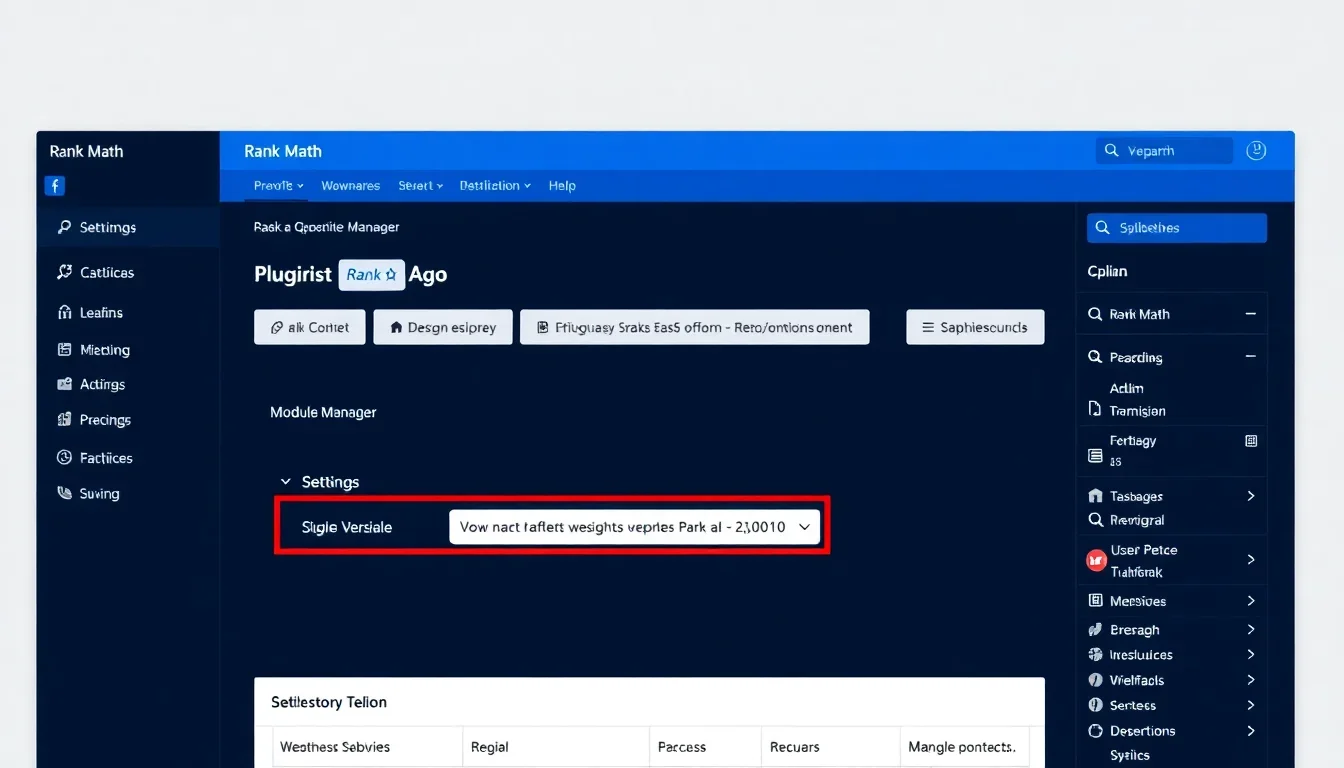
Enable required modules in the Module Manager (Sitemap, Schema, 404 Monitor, Redirections).
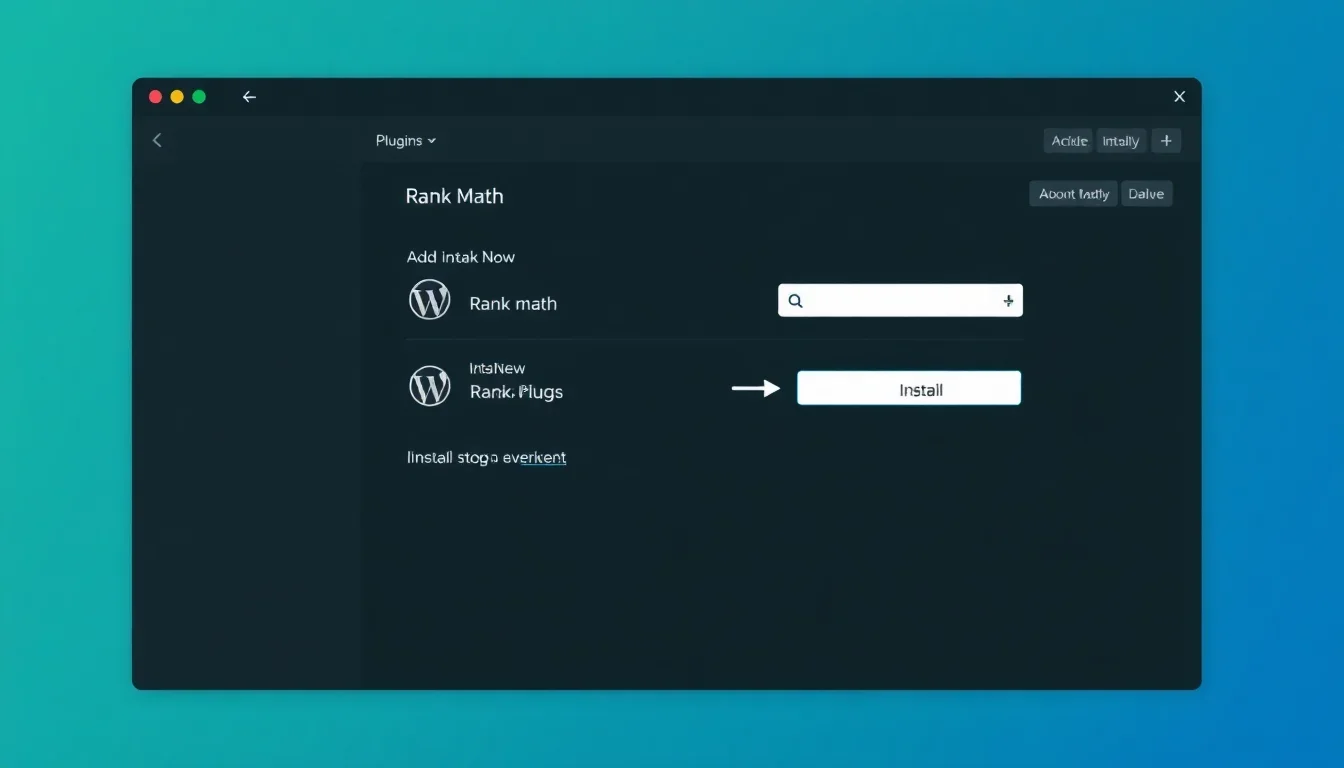
Follow a concise numbered installation sequence to deploy the Rank Math plugin on WordPress. The procedure covers pre-install checks, step-by-step installation, onboarding wizard, and verification steps.
Pre-installation checklist
- Ensure WordPress version is 5.8 or higher.
- Verify PHP version is 7.4 or higher and memory_limit is at least 128M.
- Backup the site files and database before installing new plugins.
- Note active SEO plugin settings if migrating from another plugin.
Step-by-step installation
Common installation issues and solutions
- Memory errors: increase PHP memory_limit and retry activation.
- Conflict with caching plugins: flush cache and disable object caching during setup.
- Import failures from other SEO plugins: export settings locally and use Rank Math Import tool with manual mapping.
- Missing schema types: enable Schema module and clear plugin cache.
Key takeaway: Complete pre-install checks and use the Setup Wizard to import existing SEO settings and enable essential modules to ensure a smooth Rank Math installation.
Key Features
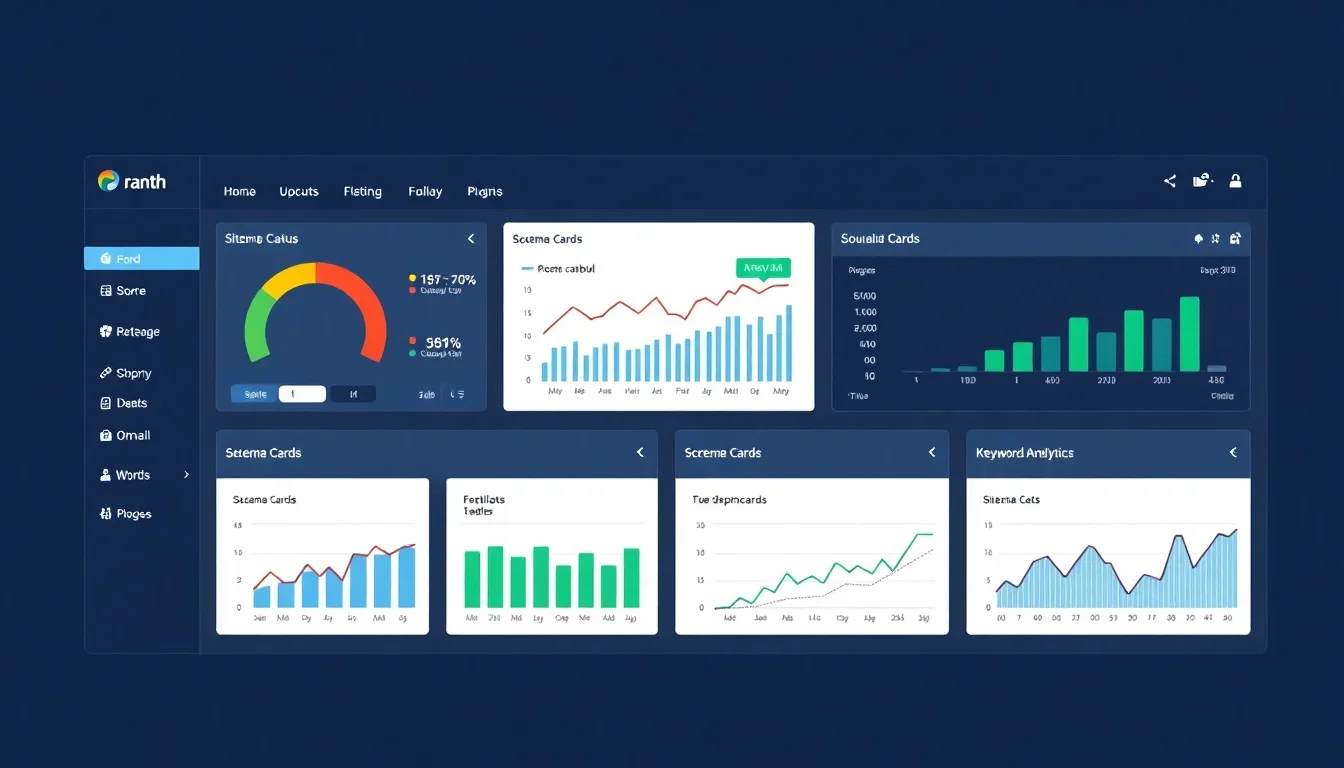
Rank Math provides a feature set designed to automate and simplify SEO management across content, schema, and site infrastructure. The primary features include SEO analysis, schema generator, sitemap manager, redirections, 404 monitor, role manager, and integrations.
SEO analysis and content scoring
The SEO analysis engine scans title, meta, headings, keyword usage, internal links, and image alt attributes, then produces a content score with prioritized recommendations. Scores let editors focus on the highest-impact fixes.
Schema Markup and Structured Data
Rank Math generates structured data for multiple schema types including Article, Product, Recipe, LocalBusiness, FAQ, HowTo, Event, and VideoObject. The schema generator supports conditional logic to apply types automatically based on post type and taxonomy rules.
Sitemap generation and control
The sitemap module provides XML sitemaps with granular control over post types, taxonomies, images, and priority values. The module supports split sitemaps for large sites and automatic pinging of search engines upon updates.
Redirections and 404 monitor
The redirection manager handles 301/302/307 redirects and supports regex rules and bulk import/export. The 404 monitor logs broken links and provides referer details to prioritize fixes.
Integrations and API access
Rank Math integrates with Google Search Console for query data, Google Analytics for traffic metrics, and supports third-party SEO tools via hooks and REST API endpoints for automation.
Key takeaway: The Rank Math plugin bundles automated schema, SEO analysis, sitemaps, and redirect management with integrations that reduce manual setup and support scale.
Benefits of Using Rank Math
Rank Math delivers measurable benefits in time savings, structured data coverage, and more granular on-page control. The plugin reduces manual tagging and enforces consistent SEO standards across content types.
Operational efficiencies
- Automated schema generation reduces manual JSON-LD creation time.
- Bulk editing tools speed up meta and schema changes across large inventories.
- Module-based activation reduces performance overhead by disabling unused features.
SEO performance improvements
Sites that implement structured data and fix on-page errors typically see improved SERP click-through rates and enhanced search features. Rank Math’s SEO analysis directs content changes based on a scorecard to prioritize high-impact optimizations.
Case study: eCommerce site
Case Study 1: An online retailer implemented Rank Math schema for Product and Review markup, optimized 1,200 product pages using Rank Math bulk editor, and fixed critical meta issues. After three months, organic product impressions increased by 28% and click-through rate improved by 18% measured via Google Search Console and Google Analytics. Reported improvements included rich snippets for price and availability.
Case study: Local services business
Case Study 2: A local services provider enabled LocalBusiness schema, optimized NAP consistency, and used Rank Math local SEO module to annotate service areas. Within eight weeks, local search impressions rose by 34% and calls from organic search increased by 21%, verified through call tracking and Search Console location queries.
Key takeaway: Implementing Rank Math’s schema and optimization recommendations delivers measurable visibility and CTR improvements when coupled with proper tracking and quality content.
Comparison with Other SEO Plugins
This section compares Rank Math with Yoast SEO and generic “Other Plugins” across core features, pricing, and differentiators. The table highlights practical differences for decision-making.
| Feature | Rank Math | Yoast SEO | Other Plugins |
|---|---|---|---|
| Price | Free; Premium from annual license with tiered pricing | Free; Premium per-site license | Varies; often freemium |
| Schema support | Built-in multi-type schema generator and conditional rules | Basic schema with structured data blocks; limited types without add-ons | Often requires add-ons or custom code |
| SEO analysis | Detailed content scoring with keyword suggestions and multiple focus keywords | Readability and SEO checks with single focus keyword in core | Varies by plugin |
| Sitemaps | Advanced control and image sitemaps | XML sitemaps with limited customization | Basic to advanced depending on plugin |
| Redirects & 404 | Built-in redirection manager and 404 monitor | Redirects in premium or separate plugin | Often separate plugins required |
| Ratings | High user ratings for features-per-price | High ratings for stability and UI | Mixed |
Key takeaway: Rank Math offers a broader set of built-in features for schema, redirects, and bulk optimization compared with some competitors, which can reduce the need for multiple plugins.
Pricing Structure
Rank Math provides a free core plugin and paid tiers with incremental features. The pricing model includes annual licenses and multi-site packages targeted at agencies and enterprises.
Typical pricing tiers
- Free: Core features, sitemap, basic schema, and SEO analysis.
- Pro: Additional advanced schema types, priority support, more keyword tracking.
- Business/Agency: Multi-site licenses, enhanced integrations, and white-label options.
Free vs Premium features
Free features cover most standard SEO requirements. Premium adds unlimited keyword tracking, advanced schema types (e.g., advanced Product, HowTo variants), AI content tools, and priority support. The cost-effectiveness depends on site scale and requirement for multi-site management.
Cost-effectiveness analysis
For single-site publishers with limited schema needs, the free edition often suffices. For agencies managing many client sites, annual multi-site licenses reduce per-site cost and avoid additional paid plugins for redirections or schema. Analyze expected time savings from automation and reduction of plugin overhead when assessing ROI.
Key takeaway: Evaluate Rank Math pricing against the cost of alternative plugins and manual configuration time; Premium tiers target multi-site and agency workflows where automation yields clear ROI.
Troubleshooting Common Issues
Common issues include conflicts with caching, schema validation errors, sitemap omissions, and migration inconsistencies. A systematic troubleshooting protocol resolves most problems quickly.
Schema validation failures
When schema validation errors occur, identify the offending JSON-LD snippet through the page source or Structured Data Testing Tool, then adjust Rank Math schema settings or disable conflicting schema output from other plugins or theme functions.
Sitemap not updating
Clear plugin cache, flush permalink settings by visiting Settings > Permalinks and saving, and verify that the sitemap module is enabled and not excluded for specific post types. Learn more at Rank Math SEO.
Redirection loops and conflicts
Audit existing server-level redirects, plugin-based redirects, and .htaccess rules. Use the Rank Math redirection logs to test specific rules and apply regex-based exceptions to prevent loops.
Performance impact
Disable unused modules in the Module Manager to reduce memory usage. Use object caching and a selective cache exclusion strategy for admin AJAX endpoints used by Rank Math to avoid cache-related errors.
Key takeaway: Resolve issues by isolating configuration sources, disabling conflicting modules, and using logs and validation tools to pinpoint the root cause. Additional insights at Rank Math SEO or Yoast SEO : r/Wordpress.
Advanced Tips for Optimization
Advanced users can extend Rank Math via conditional schema rules, custom fields mapping, automated internal linking, and programmatic use of Rank Math hooks for bulk updates.
Use conditional schema rules
Apply schema conditionally based on custom taxonomies or post meta to ensure correct structured data only appears where relevant. This prevents incorrect markup and improves data accuracy for search engines.
Automate internal linking
Future Trends in SEO Plugins
SEO plugins will continue integrating AI-driven content insights, more comprehensive schema automation, and tighter analytics-driven recommendations. Privacy and performance constraints will shape plugin architectures.
AI-assisted optimization
Plugins will offer AI suggestions for meta tags and content improvements based on SERP intent signals and user engagement metrics. AI can generate candidate titles and descriptions for editorial review.
Automation and validation
Automation will move beyond generation to validation loops where plugins test structured data in staging, report errors, and propose fixes for bulk application.
Privacy-first analytics integration
Plugins will support privacy-preserving analytics models and on-site telemetry that limit reliance on third-party cookies while preserving actionable SEO insights.
Key takeaway: Expect increased automation, AI assistance, and privacy-aware data collection in SEO plugins, with an emphasis on validation and scalable workflows.
Getting Started with Rank Math
Follow a compact checklist to get Rank Math running in production with monitoring and rollback plans. The checklist reduces launch risk and ensures consistent SEO practices.
Quick start checklist
- Backup site files and database before changes.
- Install and activate the Rank Math plugin.
- Run the Setup Wizard and import settings if migrating.
- Enable modules required for your site: Sitemap, Schema, Redirections.
- Connect Google Search Console and verify site ownership.
- Generate and submit the sitemap to search engines.
- Run SEO analysis on top-performing pages and apply recommendations.
- Enable 404 monitoring and configure redirect strategies.
- Document settings and export configuration for future use.
Resources for ongoing learning
- Official Rank Math documentation and guides for advanced modules.
- Google Search Console help resources for structured data and rich results insights.
- Industry blogs and case studies that show implementation patterns and benchmarks.
Key takeaway: Use the provided checklist and monitoring tools to deploy Rank Math with minimal disruption, validate structured data, and maintain continuous SEO improvements.
Frequently Asked Questions
What is the Rank Math plugin?
Direct answer: Rank Math is a WordPress SEO plugin that simplifies on-page optimization, schema markup, sitemaps, redirections, and analytics integration. Expansion: It automates structured data types, provides content scoring, and integrates with Google Search Console for performance tracking. Example: Use the setup wizard to migrate from other SEO plugins.
How do I install Rank Math?
Direct answer: Install Rank Math by navigating to Plugins > Add New, searching “Rank Math”, clicking Install Now, then Activate and running the Setup Wizard. Expansion: Ensure PHP 7.4+ and backup the site before activation; import existing SEO settings when prompted. Example: Use the Import & Export tool to map legacy metadata.
Is Rank Math free?
Direct answer: Rank Math offers a free core version and paid premium tiers. Expansion: The free version includes essential features such as sitemaps, basic schema, and SEO analysis; premium tiers add advanced schema types, additional keyword tracking, and multi-site licenses. Example: Agencies typically select multi-site business plans for scale.
Does Rank Math support schema types?
Direct answer: Rank Math supports multiple schema types including Article, Product, LocalBusiness, FAQ, HowTo, Event, and VideoObject. Expansion: The schema generator allows conditional rules and per-post overrides to ensure accurate structured data deployment. Example: Configure Product schema to surface price and availability in rich snippets.
Can I migrate from Yoast SEO to Rank Math?
Direct answer: Rank Math provides an importer to transfer settings, metadata, and redirects from Yoast SEO. Expansion: Run backups before migration, verify mapping during import, and validate structured data post-migration. Example: After import, test sitemaps and run Search Console checks for index coverage.
How does Rank Math integrate with Google Search Console?
Direct answer: Rank Math connects to Google Search Console to surface search queries, impressions, and CTR data within the plugin dashboard. Expansion: Authorize the connection during the Setup Wizard and use the data to prioritize content updates. Example: Use query insights to refine meta titles and descriptions.
Does Rank Math impact site performance?
Direct answer: Rank Math is modular and allows disabling unused modules to minimize performance impact. Expansion: Follow best practices such as caching, selective feature activation, and server optimization to preserve speed. Example: Disable heavy features on low-priority sites and enable them only where needed.
How does Rank Math handle redirects?
Direct answer: Rank Math includes a redirection manager that supports 301/302/307 redirects, regex rules, and bulk import/export. Expansion: Use the 404 monitor to identify broken URLs, then create targeted redirects to maintain link equity. Example: Import CSV redirect lists during site migrations.
Can Rank Math manage multiple sites?
Direct answer: Rank Math offers business and agency licenses for multi-site management and provides exportable configuration files for consistent rollout. Expansion: Use the export/import feature to replicate settings across client sites. Example: Agencies deploy a base configuration and customize per client.
How do I validate Rank Math schema?
Direct answer: Validate schema using Google’s Rich Results Test and Search Console Rich Results report. Expansion: Test individual pages after applying schema and monitor Search Console for detected errors and impressions. Example: Run validation after bulk schema changes to prevent widespread errors.
Will Rank Math fix duplicate meta issues?
Direct answer: Rank Math provides meta controls and canonical tag settings to prevent duplicate meta descriptions and titles. Expansion: Configure canonical URLs at the post level and use bulk editors to correct systemic issues across content. Example: Set canonical rules for pagination and filtered archives.
What support options are available?
Direct answer: Support options include community documentation, support tickets for premium users, and an extensive knowledge base. Expansion: Premium licenses receive priority support and dedicated troubleshooting for enterprise use cases. Example: Use the documentation for module-specific configuration steps.
Can Rank Math handle large eCommerce catalogs?
Direct answer: Rank Math scales to large eCommerce catalogs using split sitemaps, conditional schema rules, and bulk editing tools. Expansion: Implement staged rollouts and monitor Search Console and analytics for indexing and performance. Example: Use automated schema templates for thousands of product pages.
Does Rank Math provide local SEO features?
Direct answer: Rank Math includes LocalBusiness schema and fields for NAP, opening hours, and service areas. Expansion: The local module supports business listings and structured data to improve local search visibility. Example: Configure service area rules for multi-location businesses.
Conclusion
This guide covered the Rank Math plugin definition, installation, key features, benefits, comparisons, pricing, troubleshooting, advanced optimization tactics, future trends, and a practical getting-started checklist. Key takeaways include: 1) Rank Math centralizes critical SEO functions and offers a modular approach to minimize performance impact; 2) Automated schema and SEO analysis accelerate consistent optimizations at scale; 3) Premium tiers focus on multi-site and agency requirements that produce measurable ROI for larger deployments. The single most important next step is to perform a backup, run the Rank Math Setup Wizard, and enable essential modules (Schema, Sitemap, Redirections) while validating structured data using Google’s Rich Results Test and Search Console. For troubleshooting, isolate conflicting plugins and disable unused modules to reduce errors. Implementation metrics to monitor include organic impressions, CTR, rich result appearances, and index coverage over a 90-day window. Use the case study examples as templates: apply schema and bulk meta fixes for product pages in eCommerce; configure LocalBusiness schema and service area rules for local clients. Start the rollout on a staging environment, document configuration files for replication, and schedule a post-deployment audit one month after launch to measure initial impact. The Rank Math plugin remains a practical choice for publishers seeking built-in schema, deep analytics integrations, and automation that reduces manual overhead while improving search visibility.
Sources & References: Google Search Central (2024), HubSpot Research (2023), Rank Math official documentation, Google Search Console reports, industry case studies and performance audits.