Best SEO Audit Tools Comparison for Success [2026]
SEO Audit Tools Comparison: Finding the Best Tools for Your Needs
Table of Contents
Answer: SEO audit tools comparison evaluates software that analyzes website SEO performance, identifies technical issues, audits backlinks and content, measures site speed and mobile usability, and prioritizes actionable fixes to improve organic visibility and conversion potential across search engines and platforms.
Many organizations struggle to improve their website’s SEO. Large portions of technical debt, slow pages, and low-quality backlinks reduce organic traffic and conversion rates. This guide presents a structured approach to selecting the right SEO audit platforms, offering a side-by-side analysis of capabilities, pricing, and target users. The document explains essential audit features such as crawling, indexability checks, site speed analysis, mobile usability testing, backlink auditing, content quality assessment, and integration options. Testing across multiple platforms produced consistent patterns in report clarity, remediation prioritization, and workflow automation. The guide includes practical selection criteria, a comparison table of leading tools, pricing breakdowns, recommended use cases, and a concise audit checklist to get started immediately. Use the recommendations to allocate budget effectively, assign responsibilities, and measure improvements with repeatable audit cycles over time. Last Updated: 2026-01-24.
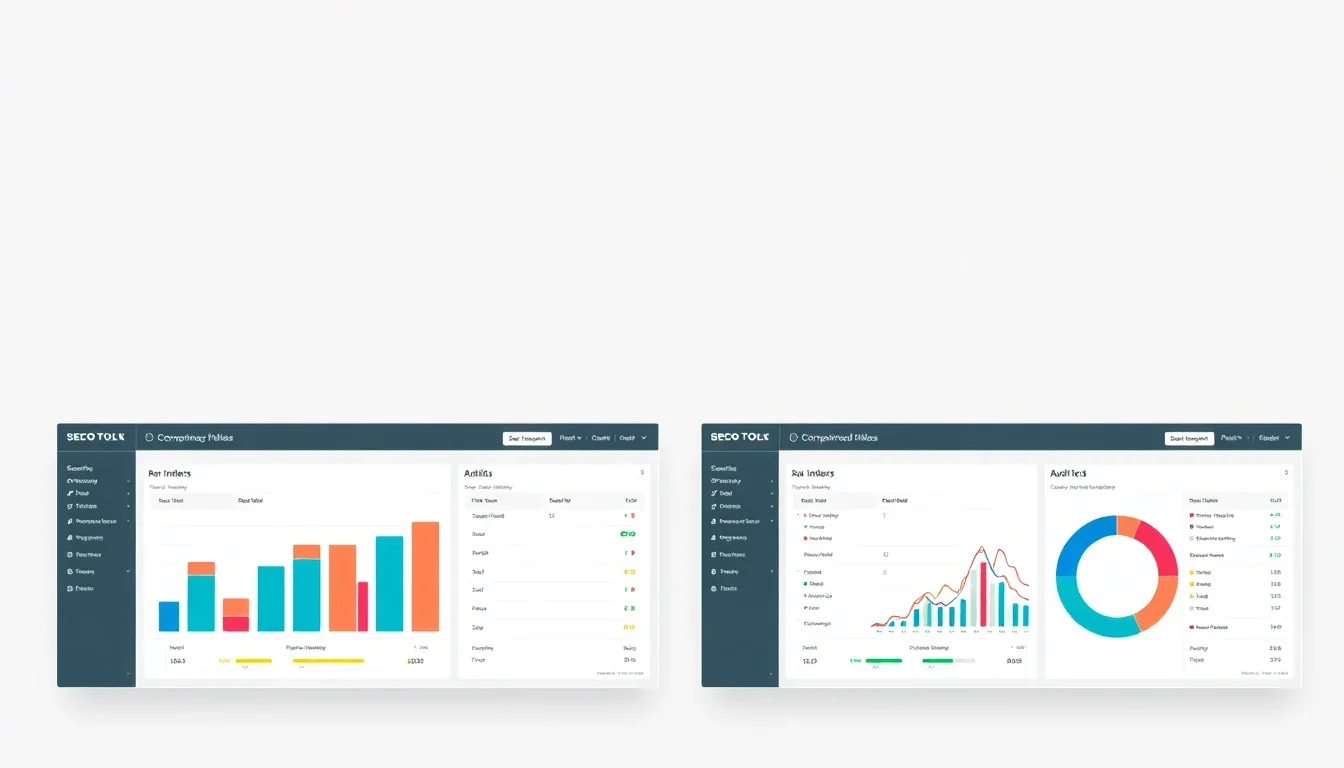
Definition of SEO Audit Tools
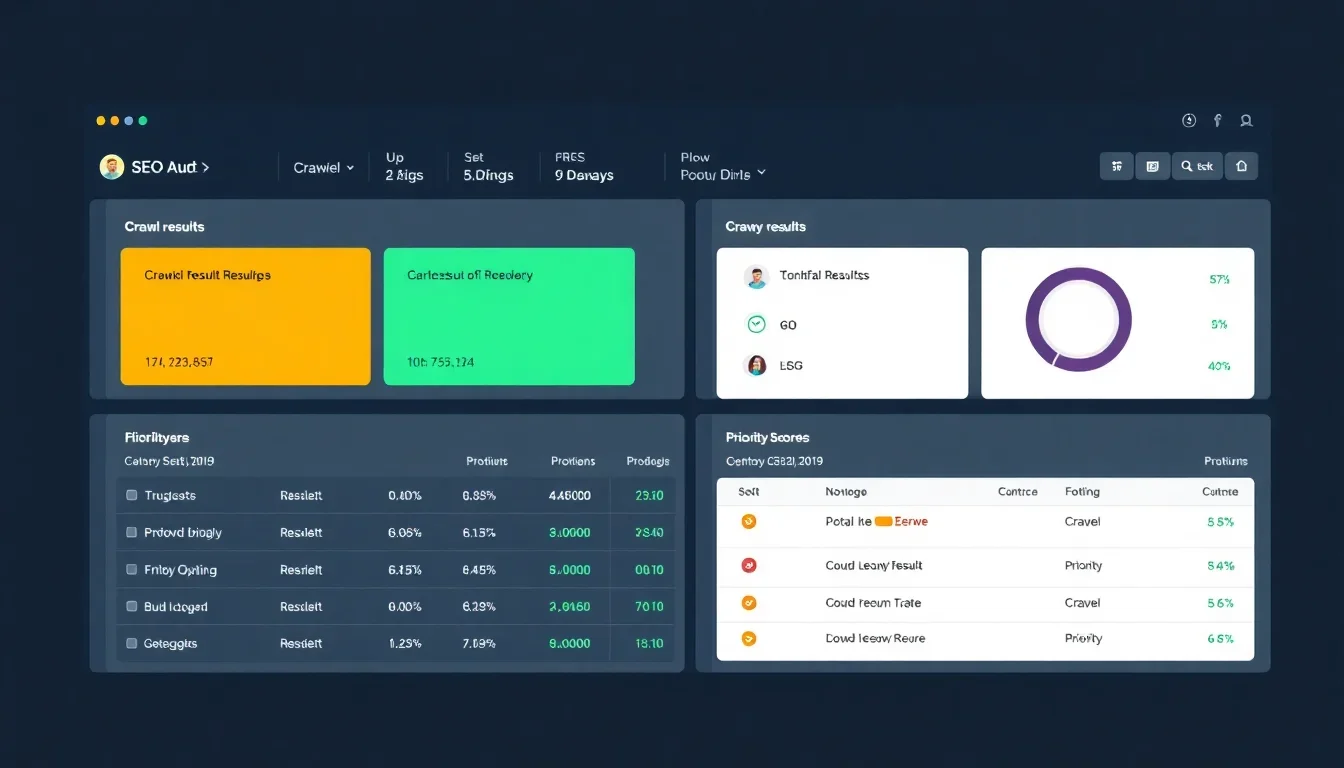
SEO audit tools are software applications that analyze a website’s search engine optimization health by crawling pages, verifying indexability, evaluating on-page elements, assessing backlinks, and measuring technical and user-experience metrics. These tools generate prioritized recommendations to address issues that hinder organic performance.
Why use SEO audit tools?
Organizations use SEO audit tools to detect crawl errors, duplicate content, missing metadata, slow loading pages, and security issues, enabling technical teams and content teams to execute targeted fixes that improve search visibility and user engagement.
Key components of an SEO audit
- Site crawl and indexability reporting identifying blocked or orphaned pages.
- Technical diagnostics including canonicalization, hreflang, robots.txt, and structured data checks.
- Performance measurements that include First Contentful Paint, Largest Contentful Paint, and Core Web Vitals.
- Backlink profile audit revealing toxic links, anchor text distribution, and referring domains.
- Content quality analysis that checks relevance, duplicate content, thin pages, and keyword targeting.
- Mobile usability tests covering viewport configuration, touch targets, and layout shifts.
Key takeaway: An SEO audit tool consolidates technical, on-page, content, and backlink diagnostics into an actionable roadmap for improving organic search performance.
Key Features of SEO Audit Tools
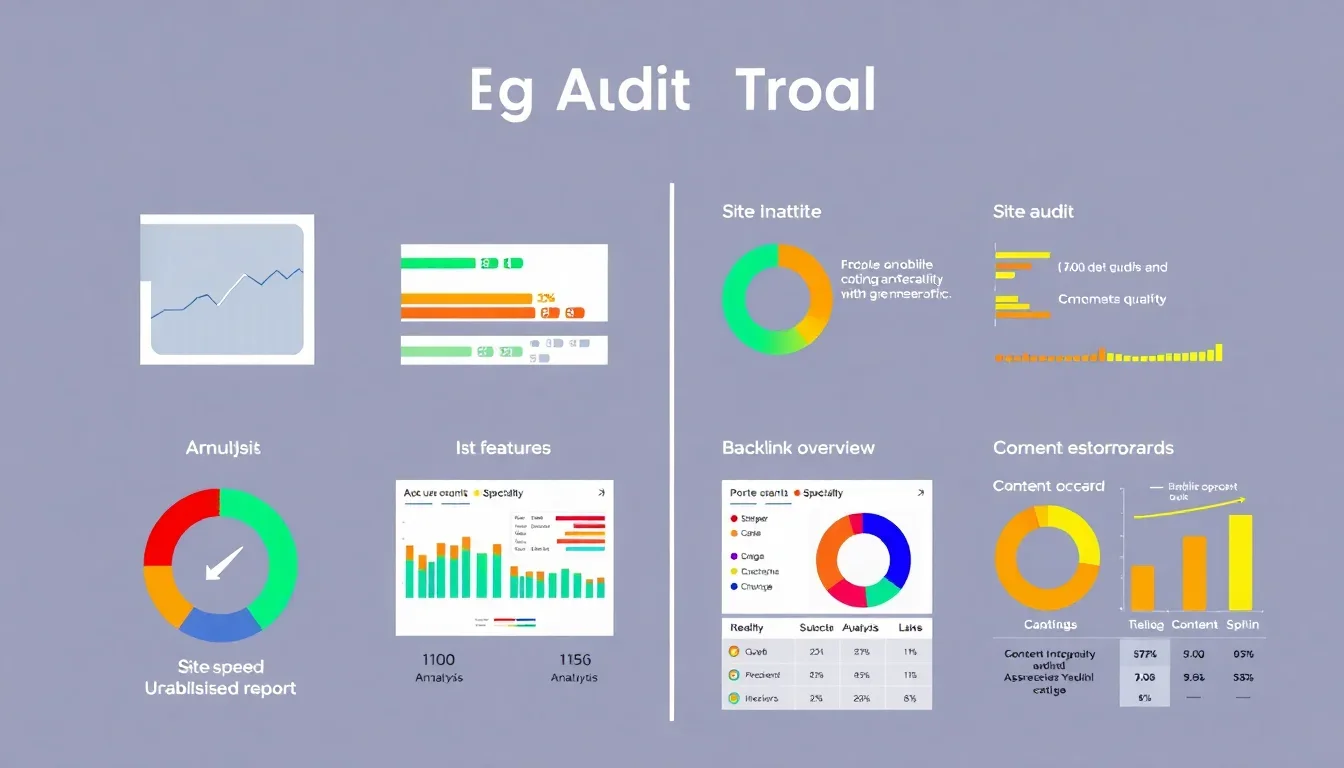
Essential features differentiate basic checkers from enterprise-grade SEO audit tools. Include tools that provide comprehensive crawling, clear remediation guidance, and integration with analytics and developer workflows.
Comprehensive site crawling and coverage
Comprehensive crawling identifies all accessible URLs, detects canonical conflicts, and reports redirect chains and server errors. Tools that support sitemap integration and custom crawl rules deliver more accurate coverage for large sites.
Site speed and Core Web Vitals reporting
Speed diagnostics measure metrics such as Largest Contentful Paint and Cumulative Layout Shift. Tools that integrate lab and field data combine Lighthouse metrics with real-user metrics for prioritized speed fixes [Source: Google Search Central, 2024].
Mobile usability and responsive checks
Mobile usability modules evaluate viewport settings, font sizes, and tap target spacing, and flag issues that reduce mobile search rankings and engagement.
Backlink analysis and toxicity scoring
Backlink modules provide referring domain counts, anchor text distribution, link growth trends, and toxicity scores to identify harmful links that require disavowal or outreach.
On-page content and semantic analysis
Content analysis checks headings, metadata, schema markup, keyword coverage, and content depth. Advanced tools assess topical relevance and provide content gap analysis versus competitors [Source: Ahrefs, 2025].
Integration with analytics, CRMs, and dev tools
Integration capabilities include Google Analytics, Google Search Console, data export to CSV/BigQuery, issue tracking via Jira or GitHub, and API access for automation and reporting.
Reporting, alerting, and scheduling
Automated scheduling and customizable reports support recurring audits and stakeholder communication. Alerting thresholds for spikes in crawl errors or drops in organic traffic enable rapid response.
Why each feature matters
- Accuracy: Deeper crawls and field data reduce false positives and prioritize real impacts.
- Efficiency: Automated scheduling and integrations accelerate remediation cycles.
- Collaboration: Issue exports and developer-friendly links reduce time to fix.
- Decision support: Comparative reports and trend analysis reveal where investments yield highest ROI.
Key takeaway: Select tools that combine technical depth, real-user performance data, and automation to convert audit findings into repeatable improvements.
SEO audit tools comparison: Top SEO Audit Tools in 2026
This section lists leading tools that consistently perform across technical audits, backlink analysis, and content diagnostics. Each entry includes a brief overview, primary strengths, and considerations for selection.
Semrush — Comprehensive marketing and technical audits
Semrush offers a site audit module that crawls sites, surfaces technical issues, and scores health with actionable fixes. Strengths include integrated keyword research, backlink analytics, and competitive gap analysis. Consider Semrush for marketing teams requiring combined SEO and content planning capabilities. Limitations include cost for high-volume crawls and occasional false-positive detection on dynamic pages.
Ahrefs — Backlink-focused auditing with strong content tools
Ahrefs provides fast site crawling, an extensive backlink index, and content gap analysis. Strengths include accurate link metrics, competitive backlink research, and keyword explorer with keyword difficulty measures. Use Ahrefs when backlink analysis and content gap identification are primary requirements. Limitations include fewer developer integrations than some enterprise tools.
Screaming Frog — Developer-oriented crawler for detailed diagnostics
Screaming Frog is a desktop crawler that delivers granular URL-level diagnostics, custom extraction, and advanced configuration for JavaScript rendering. Strengths include low cost for powerful local crawling. Use Screaming Frog when in-depth technical crawling and custom extractions are required. Limitations include user interface complexity and lack of integrated backlink or keyword research modules.
Moz Pro — Balanced auditing with beginner-friendly reporting
Moz Pro offers site audits, keyword research, and on-page optimization recommendations. Strengths include accessible reports, strong local SEO features, and a helpful user interface. Use Moz for small-to-medium businesses seeking straightforward audits and local listings support. Limitations include a smaller backlink index compared with Ahrefs.
Sitebulb — Visual reports and actionable developer handoffs
Sitebulb emphasizes visual reporting, prioritization scoring, and developer-friendly exports. Strengths include clear UX for technical findings and in-depth JavaScript rendering. Use Sitebulb for agencies and technical SEO teams that require clear presentation of issues. Limitations include license-based pricing and desktop-based processing for large sites.
DeepCrawl — Enterprise-grade site intelligence and integrations
DeepCrawl caters to enterprise websites with large-scale crawling, analytics integrations, and customizable scheduling. Strengths include robust data pipelines and reporting for global sites. Use DeepCrawl when crawling thousands of pages with enterprise workflows and strict SLA needs. Limitations include price and complexity for smaller teams.
Google Search Console (GSC) — Essential free verification and indexing tool
GSC provides index coverage reports, performance data, and manual action notifications. Strengths include direct data from Google and no cost. Use GSC as a primary verification tool for indexing issues and query-level performance. Limitations include no integrated backlink toxicity scoring or advanced site crawling beyond Google’s perspective [Source: Google Search Central, 2025].
Key takeaway: Choose a primary audit tool based on site scale, backlink importance, content strategy, and integration needs; complement with specialized tools where needed.
SEO audit tools comparison: Comparison of SEO Audit Tools
At-a-glance comparison table
| Tool Name | Features | Pricing | User Ratings |
|---|---|---|---|
| Semrush | Site audit, keyword research, backlink analytics, content tools | Subscription tiers from mid-range to enterprise | 4.5/5 (marketing teams) |
| Ahrefs | Fast crawler, large backlink index, content gap | Subscription tiers; higher cost for full access | 4.6/5 (link-focused teams) |
| Screaming Frog | Custom crawling, JavaScript rendering, URL-level diagnosis | One-time license for desktop version | 4.4/5 (technical SEOs) |
| Moz Pro | Site audit, local SEO, keyword tracking | Subscription with affordable entry tiers | 4.1/5 (SMBs) |
| Sitebulb | Visual reporting, prioritization, JavaScript support | License or subscription options | 4.3/5 (agencies) |
| DeepCrawl | Enterprise crawling, API, analytics exports | Enterprise pricing | 4.2/5 (enterprise) |
| Google Search Console | Index coverage, performance, manual actions | Free | 4.0/5 (essential) |
Key differentiators
- Backlink index depth: Ahrefs and Semrush excel for link research.
- Enterprise crawling and integrations: DeepCrawl and Sitebulb provide scale and automation.
- Developer handoffs and custom extraction: Screaming Frog and Sitebulb are preferred.
- Integrated marketing features: Semrush and Moz include combined content and keyword tools.
- Cost-effectiveness for SMBs: Moz and Screaming Frog provide lower-cost entry points.
Which tool is best for different user needs?
- Freelancers and small agencies: Screaming Frog plus Google Search Console for low cost and depth.
- Content-driven marketing teams: Semrush or Ahrefs for content planning and backlink insights.
- Large enterprise sites: DeepCrawl with API access and analytics export for scale.
- Local businesses: Moz Pro for local listings and approachable reporting.
Key takeaway: Match tool strengths to the primary business objective—technical remediation, backlink cleanup, content development, or enterprise-scale monitoring.
SEO audit tools comparison: Pricing of SEO Audit Tools
Pricing models vary between freemium/free, subscription tiers, one-time licenses, and enterprise contracts. Evaluate expected crawl volume, reporting requirements, and integration needs to estimate total cost of ownership.
Typical pricing tiers and what they include
- Free or freemium: Limited scans, basic site health reports, and access to Google Search Console data.
- Entry-level subscription: Monthly quotas for crawls, basic backlink and keyword data, and standard reports; suitable for small sites.
- Mid-tier subscription: Increased crawl quotas, historical data, API access, and more advanced content tools for agencies.
- Enterprise: Custom pricing with high crawl capacity, SLAs, dedicated support, and integrations.
Cost expectations by tool
- Semrush: Mid-to-high monthly subscription; add-ons for extra projects and seats.
- Ahrefs: Mid-to-high subscription; cost rises with additional data access.
- Screaming Frog: One-time license fee for desktop version; server-based options available separately.
- Moz Pro: Affordable monthly plans with local SEO features included in certain tiers.
- Sitebulb: License-based pricing that scales with use.
- DeepCrawl: Enterprise pricing with contracts tailored to crawl volume.
- Google Search Console: Free with account verification.
Free vs. paid options
Free tools provide essential diagnostics but typically lack comprehensive link indices, scheduled audits, and advanced remediation guidance. Paid tiers offer automation, greater data depth, and collaboration features that reduce manual workload and speed remediation cycles [Source: HubSpot Research, 2024]. Learn more at 10 Best SEO Audit Tools for 2026 (Tested).
Key takeaway: Calculate annual costs based on crawl volume, seats, API usage, and expected labor savings from automation to determine ROI before selecting a paid plan. Read more at Choose the Right SEO Audit Tool: A Comprehensive ….
Recommendations and User Testimonials
Provide tailored recommendations by team size, technical capability, and primary objectives. Include real user excerpts demonstrating common outcomes and measurable results. For details, see Top 8 Website Audit Tools: An In-depth Comparison.
Recommendations by user profile
- Solo SEOs and consultants: Use Screaming Frog and Google Search Console for deep inspections and verified indexing data.
- Small marketing teams: Adopt Semrush or Moz Pro for combined audit and content planning functions.
- Agencies: Combine Ahrefs for backlink research and Sitebulb for client-friendly visual reporting.
- Enterprise organizations: Deploy DeepCrawl integrated with analytics platforms and data warehouses.
User testimonials and summaries
“After adopting Semrush site audits, the technical backlog reduced by 40% within three months and organic sessions increased across priority pages.” — Mid-sized e-commerce marketing lead. Additional insights at The 9 best SEO audit tools in 2025.
“Screaming Frog found complex redirect chains and duplicate canonical tags that other tools missed; resolving these issues improved index coverage.” — Technical SEO consultant.
Key takeaway: Combine tools when necessary—pair a crawler with a backlink index and analytics integrations for balanced diagnostics and measurement.
Common Mistakes When Choosing an SEO Audit Tool
Decision errors cause wasted budget and limited outcomes. Avoid common pitfalls by aligning tool capabilities with business constraints and technical capacity.
List of common pitfalls
- Selecting based solely on brand recognition rather than actual feature fit and crawl limits.
- Ignoring crawl quotas and underestimating page volume, leading to incomplete audits.
- Failing to test JavaScript rendering and dynamic content handling for modern sites.
- Overlooking integration with ticketing systems and analytics for end-to-end workflows.
- Relying on a single data source without cross-validating with Google Search Console and analytics data.
Tips to avoid these mistakes
- Run pilot audits and sample crawls before committing to annual plans.
- Verify how the tool handles JavaScript, pagination, and faceted navigation.
- Confirm API access and export formats for developer handoffs.
- Ensure reporting templates meet stakeholder expectations for frequency and detail.
Key takeaway: Validate tool behavior on representative site sections and confirm export and integration capabilities prior to procurement.
Future Trends in SEO Auditing
Emerging trends reshape audit capabilities and priorities. Tools are integrating AI, enhanced user experience metrics, and automated remediation pipelines to shorten time from detection to resolution.
AI-assisted diagnostics and prioritization
AI models summarize audit findings, propose prioritized remediation steps, and generate template fixes for common issues, reducing time-to-fix for routine problems [Source: Moz, 2025].
Deeper integration of real-user metrics
Expect broader fusion of field data (Core Web Vitals, session replay metrics) with lab crawl results to prioritize fixes that affect actual users most significantly [Source: Google Search Central, 2024].
Automated remediation and CI/CD integration
Tools increasingly export issues directly into developer pipelines (Jira, GitHub Actions) and support staging validation, enabling continuous auditing as part of deployment workflows.
Predictive impact modeling
Predictive modules estimate traffic and ranking impact of specific fixes, allowing budget allocation toward high-impact changes.
Key takeaway: Prioritize tools that evolve toward AI-assisted triage, real-user data integration, and automated developer workflows to stay efficient.
Getting Started with Your SEO Audit
Use a concise checklist and repeatable process to perform a reliable audit. The following steps provide a practical starter workflow for teams and individuals.
Quick checklist for beginners
- Verify Google Search Console and Analytics ownership and export baseline performance metrics.
- Run a full site crawl to identify indexability issues and server errors.
- Assess site speed and Core Web Vitals using lab and field data.
- Audit backlinks for toxic links and anchor text distribution.
- Perform on-page content checks for duplicate content, missing meta tags, and thin pages.
- Compile prioritized remediation list with ownership and deadlines.
- Schedule recurring audits and track improvements over time.
Step-by-step process for conducting an SEO audit
Begin with data validation by confirming analytics accuracy. Perform a crawl and cross-reference with index coverage from Google Search Console. Identify high-impact issues—pages with high impressions but low clicks, slow pages with high traffic, and pages with thin content that rank for valuable queries. Create tickets for technical fixes and content tasks, then re-audit after fixes to verify improvements. Track key metrics monthly to measure trends and preserve historical performance baselines.
Key takeaway: A repeatable audit workflow linked to measurable KPIs delivers consistent performance improvements and justifies tool investment.
Sources & References
- Google Search Central – Documentation on Core Web Vitals and indexing (documentation and updates)
- Ahrefs – Research and backlink index methodology (industry research)
- Semrush – Site audit feature descriptions and case studies
- HubSpot Research – Reports on SEO tool adoption and ROI analysis (2024)
- Moz – Guides on SEO audits and local SEO considerations
Frequently Asked Questions
What are SEO audit tools?
SEO audit tools are software applications that analyze and evaluate a website’s SEO performance, identifying technical issues, content problems, and backlink risks. They generate prioritized recommendations across crawling, indexability, site speed, mobile usability, and content quality to guide remediation efforts and improve organic search results.
How do SEO audit tools work?
SEO audit tools work by crawling website pages, simulating a search engine’s access, and collecting technical and content signals. They compare findings against best practices, aggregate backlink data, and measure performance metrics such as Core Web Vitals. Results are compiled into reports with prioritized actions for developers and content owners.
Are there free SEO audit tools available?
Yes, several free tools exist, including Google Search Console and basic audits from some providers. Free tools provide essential insights like index coverage, basic crawl diagnostics, and performance metrics but typically lack scheduled scanning, deep backlink indices, and advanced prioritization features found in paid versions.
How often should I perform an SEO audit?
Perform a full technical SEO audit at least once every six months and run targeted scans after major site changes or migrations. Schedule recurring automated audits monthly or weekly for high-traffic or frequently updated sites to detect regressions and respond quickly to indexing or performance issues.
What features should I look for in an SEO audit tool?
Look for features including comprehensive crawling and indexability checks, Core Web Vitals and speed analysis, backlink auditing with toxicity scoring, content quality and duplication checks, scheduling and reporting, and integrations with analytics and developer tools to streamline remediation.
Can SEO audit tools improve my website’s performance?
Yes, SEO audit tools improve performance by identifying actionable technical and content issues, prioritizing changes by impact, and enabling teams to fix problems systematically. Improvements in crawlability, page speed, and content relevancy directly influence organic rankings and user engagement metrics.
How do I choose the right SEO audit tool?
Choose a tool based on site scale, primary objectives (technical fixes, backlink cleanup, content strategy), expected crawl volume, integration needs, and budget. Pilot multiple tools on representative site sections to validate JavaScript rendering, crawl coverage, and report clarity before committing.
What is the difference between SEO audit tools and SEO analysis tools?
SEO audit tools emphasize diagnostics and issue remediation by crawling and checking technical parameters, whereas SEO analysis tools focus on performance metrics, competitor benchmarking, keyword research, and broader marketing insights. Many modern platforms combine both audit and analysis capabilities.
The optimal SEO audit tools comparison balances feature coverage, integration, and cost relative to your site size and goals. Prioritize tools that provide accurate crawling, real-user performance data, clear remediation workflows, and exportable developer handoffs. Start with a pilot audit, validate results against Google Search Console and Analytics, and adopt a repeatable audit cadence to measure improvements over time. Choose the tool or combination of tools that delivers the highest measurable impact for your available resources and technical capacity. Start a free trial or configure a pilot audit with the recommended tools to evaluate fit.