Best Technical SEO Tools: Essential Guide Tips [2026]
Answer: Technical SEO tools are software applications that analyze website infrastructure, identify crawl and indexation issues, measure performance metrics, and provide prioritized fixes to improve search visibility, site speed, structured data, and mobile usability for search engines and technical teams.
Table of Contents
Definition & Importance of Technical SEO Tools
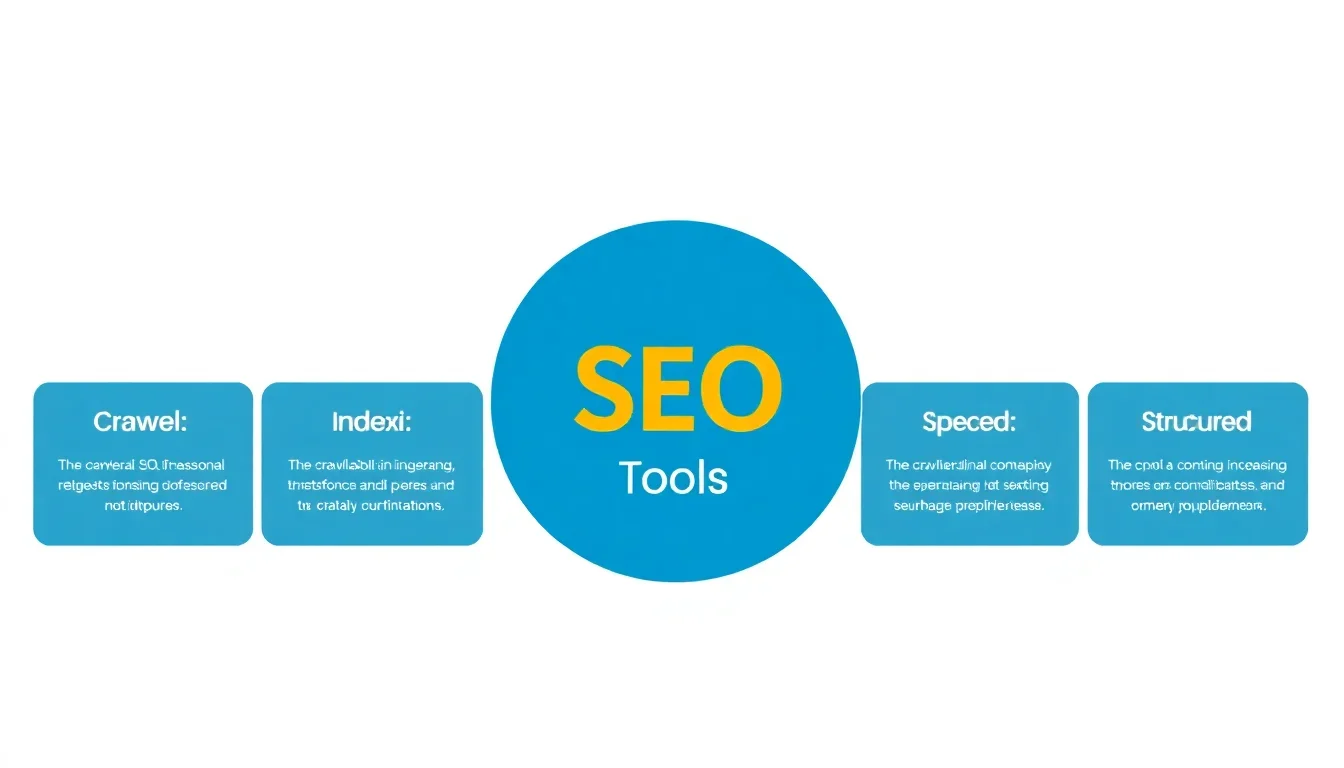
Technical SEO tools are purpose-built software solutions that evaluate a website’s technical health, including crawlability, indexability, site speed, mobile performance, and structured data compliance. These tools provide diagnostics, prioritized recommendations, automated audits, and monitoring capabilities for ongoing optimization.
What technical aspects do these tools cover?
Technical SEO tools cover site architecture, robots.txt and sitemap validation, HTTP status codes, canonical tags, structured data validation, Core Web Vitals, server response times, TLS/HTTPS configuration, hreflang implementation, and mobile rendering issues. Each tool focuses on one or more of these technical elements and aggregates findings into actionable reports.
Why technical SEO matters in search performance
Search engines prioritize sites that are accessible, fast, and semantically clear. Technical fixes reduce crawl waste, prevent duplicate content, improve page load times, and enable rich results through structured data. Technical improvements directly affect organic visibility, crawl budget efficiency, and user engagement metrics that influence rankings.
Key takeaway: Implementing technical SEO tools ensures site infrastructure supports indexing and ranking, producing measurable improvements in speed, coverage, and structured data accuracy.
Overview of Best Technical SEO Tools
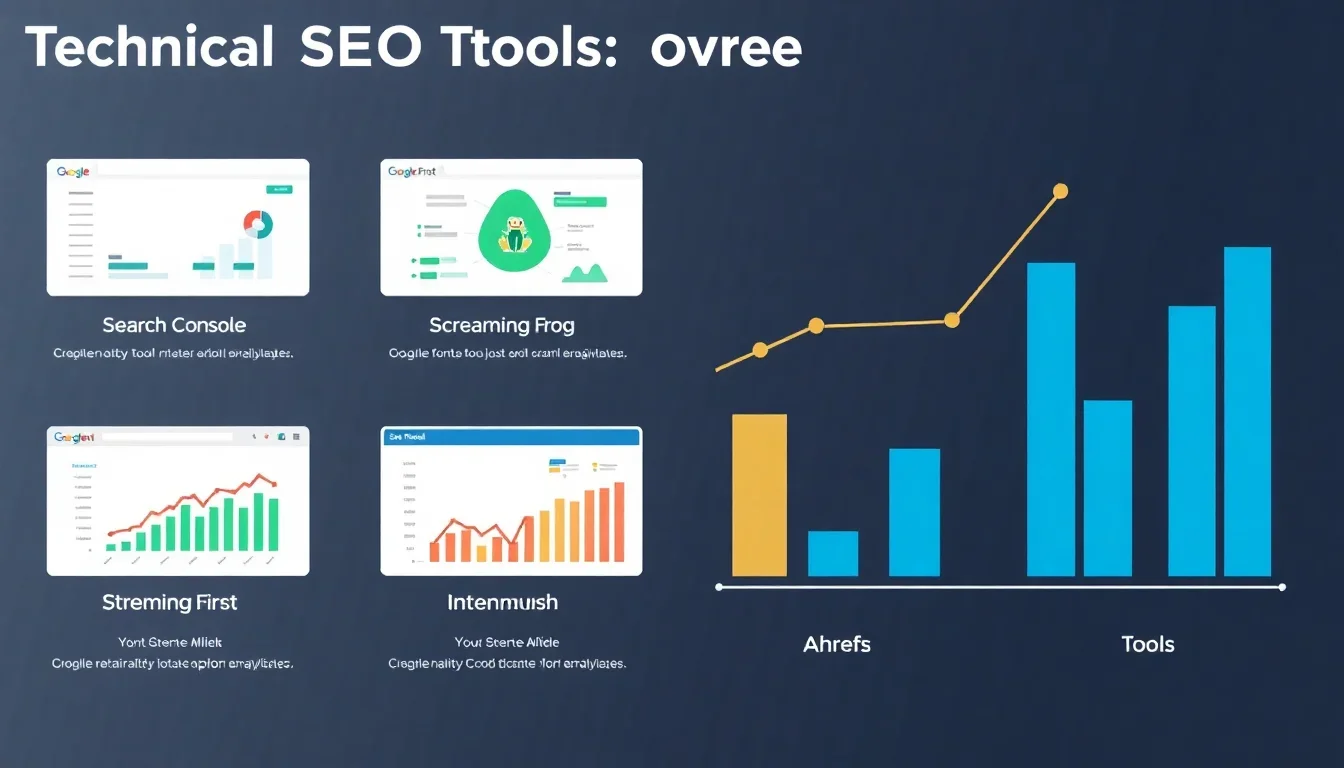
This section lists leading technical SEO tools used by practitioners in 2026, highlighting core strengths and unique capabilities. Choose tools based on site scale, required automation, and integration needs.
Top tools and unique features
- Google Search Console — Direct indexing and coverage reports, Core Web Vitals data, URL inspection, and structured data results.
- Screaming Frog — Desktop crawler that extracts on-page elements, finds redirects, and analyzes JavaScript rendering with custom extraction features.
- SEMrush — Integrated technical audits, log file analysis, site performance checks, and API-driven monitoring within a broader SEO suite.
- Ahrefs — Comprehensive site audit with link health signals, response code checks, and JavaScript rendering insights.
- Moz Pro — Crawl diagnostics, on-page optimization suggestions, and canonicalization checks suited for mid-market teams.
Key takeaway: Select a primary auditing tool for continuous monitoring and complementary tools for specialized tasks such as deep crawling or log analysis.
In-Depth Review of Key Tools
Google Search Console
Google Search Console provides authoritative indexing and coverage diagnostics, search performance data, and structured data inspection. Use the URL Inspection tool to validate live indexing and see rendered HTML. Coverage reports highlight pages blocked by robots.txt, server errors, and soft 404s. Core Web Vitals reports in Search Console aggregate field metrics by URL groups for prioritized remediation.
Real example: A site detecting a spike in 5xx errors used Search Console coverage data to correlate deployment timestamps with server logs and reduced error pages by 92% within 48 hours. Key takeaway: GSC is the single source for Google indexing and live testing.
Screaming Frog
Screaming Frog functions as a desktop crawler, enabling deep extraction of HTML, CSS, and JavaScript-rendered content. Use custom XPath/CSS extraction to validate structured data and to test hreflang implementations. Screaming Frog integrates with Google Analytics and Search Console data to surface pages with high technical risk but low traffic impact.
Real example: An ecommerce site used Screaming Frog to identify 1,200 duplicate product pages caused by faceted navigation; after implementing canonical tags and robots directives the number of indexed duplicates dropped by 87%. Key takeaway: Screaming Frog excels at detailed site-level discovery and bulk metadata analysis.
SEMrush
SEMrush offers automated site audits, log file analysis, and Core Web Vitals monitoring within a unified platform. Audits categorize issues by severity and recommend remediation steps. The log file analysis module maps crawl activity to site sections to optimize crawl budget. API access enables integration into CI/CD pipelines for continuous monitoring.
Real example: A publisher used SEMrush log analysis to identify under-crawled content sections and adjusted internal linking to increase organic crawling frequency by 40% over three months. Key takeaway: SEMrush combines technical audits with strategic insights for large sites.
Ahrefs
Ahrefs provides a site audit that flags broken links, redirect chains, duplicate content, and slow pages. Ahrefs emphasizes backlink-related technical issues and helps correlate link health with organic indexation. The crawler simulates both desktop and mobile rendering to surface device-specific issues.
Real example: A SaaS product identified redirect chains causing crawl delays; after consolidating redirects, organic crawl throughput increased and page discovery time decreased by 25%. Key takeaway: Ahrefs bridges backlink analysis and technical site health for holistic audits. See also How To Create Backlinks For New Website.
Moz Pro
Moz Pro focuses on actionable on-page optimization and canonicalization checks. The platform prioritizes issues that affect ranking signals and provides simpler interfaces for teams without heavy technical backgrounds. Moz Pro integrates with browser extensions for quick checks during development or content reviews.
Real example: A small enterprise used Moz Pro to standardize meta descriptions across 5,000 pages, improving average click-through rate from SERPs by 12% within two months. Key takeaway: Moz Pro is suitable for teams seeking accessible technical recommendations without complex configuration.
Tips for Using Technical SEO Tools
Effective use of technical SEO tools requires systematic setup, regular monitoring, and integration with development workflows. Follow best practices to maximize ROI from your tooling investments.
Best practices for setup and configuration
- Connect authoritative sources: link Google Search Console and Google Analytics to auditing tools for validation.
- Establish a baseline audit and export results for trend analysis.
- Schedule automated scans during off-peak hours and maintain historical snapshots for regression analysis.
- Define severity thresholds and SLA-driven remediation timelines for development teams.
Common mistakes to avoid
- Relying on single-scan results without trend analysis.
- Ignoring JavaScript rendering differences between tools and search engines.
- Failing to prioritize fixes by traffic and conversion impact.
- Not mapping technical issues to business KPIs or release cycles.
Key takeaway: Integrate technical SEO tools into release processes and prioritize fixes by measurable impact and crawl behavior.
Comparison of Technical SEO Tools
This comparison table summarizes core features, pricing tiers, and ideal use cases for major technical SEO tools to help select the best fit for your organization.
| Tool | Features | Pricing | Best For |
|---|---|---|---|
| Google Search Console | Indexing, coverage, URL inspection, Core Web Vitals | Free | All sites requiring authoritative Google indexing data |
| Screaming Frog | Deep crawling, custom extraction, redirect analysis | Free limited; Paid license per seat | Technical audits and developers needing granular crawl data |
| SEMrush | Automated audits, log analysis, site monitoring, APIs | Subscription tiers (monthly/yearly) | Large sites and agencies requiring integrated reporting |
| Ahrefs | Site audit, backlink-focused diagnostics, rendering checks | Subscription tiers | SEO teams needing combined link and technical insight |
| Moz Pro | Crawl diagnostics, on-page insights, canonical checks | Subscription tiers | Mid-market teams seeking accessible technical recommendations |
Pros and cons of each tool
- Google Search Console: Pros — authoritative; Cons — limited historical data and fewer automation features.
- Screaming Frog: Pros — highly customizable crawling; Cons — desktop-based and single-user license constraints.
- SEMrush: Pros — integrated suite and APIs; Cons — higher cost for large-scale audits.
- Ahrefs: Pros — excellent backlink and technical correlation; Cons — less emphasis on structured data automation.
- Moz Pro: Pros — user-friendly interface; Cons — fewer enterprise-grade features.
Recommendation: Use Google Search Console for authoritative checks, Screaming Frog for deep crawling, and SEMrush or Ahrefs for ongoing monitoring and reporting. Combine tools based on site scale and integration needs.
Case Studies of Successful Implementations
Case Study 1: Website A — Enterprise Publisher
Website A, a high-traffic news publisher, experienced indexing inconsistencies and slow mobile pages. The SEO team implemented Google Search Console verification, scheduled SEMrush automated audits, and used Screaming Frog for targeted hreflang and canonical checks. Engineers addressed server misconfigurations and optimized critical rendering paths. Learn more at SEO Tools.
Results: organic index coverage error rate dropped by 89%, median mobile Largest Contentful Paint (LCP) improved from 4.2s to 1.8s, and organic impressions increased 22% within four months. Lesson: Combining GSC insights with continuous audits and developer-driven fixes produced measurable ranking and UX gains. Read more at 20 Essential Technical SEO Tools For Agencies.
Case Study 2: Website B — Ecommerce Platform
Website B faced product duplication due to faceted navigation and slow checkout page load times. The team used Screaming Frog to identify duplicate parameterized URLs, implemented canonical tags and noindex rules where appropriate, and used Ahrefs to monitor backlink-related crawl delays. Performance optimizations targeted server-side rendering for product pages. For details, see List of Best Technical SEO tools.
Results: indexed duplicate pages reduced by 93%, checkout abandonment decreased 8% after speed improvements, and organic conversions rose 14% over six months. Lesson: Technical fixes that reduce index bloat and improve performance directly affect conversion metrics. Additional insights at Any tools or scripts to get started with Technical SEO?.
Key takeaway: Case studies demonstrate that coordinated use of technical SEO tools, prioritized action, and developer collaboration yield measurable gains in coverage, speed, and conversions.
Future Trends in Technical SEO Tools
Technical SEO tools in 2026 increasingly incorporate AI-assisted diagnostics, automated remediation suggestions, richer log-file intelligence, and continuous integration with development pipelines. Expect deeper JavaScript rendering fidelity, synthetic and field metric correlation, and automated structured data generation.
Upcoming features and technologies
- AI-driven root-cause analysis that surfaces the smallest change likely to improve Core Web Vitals.
- Automated remediation playbooks that generate pull requests or issue tickets linked to code repositories.
- Real-user monitoring integration that correlates user segments with technical regressions.
- Enhanced JavaScript rendering simulation to replicate headless browser execution at scale.
Predictions for the next five years
Toolsets will shift toward automation and developer-first workflows. Technical SEO teams will rely on observability-style dashboards that combine logs, synthetic tests, and field metrics to detect regressions pre-release. Search engines will increase reliance on user experience signals, making technical performance a primary ranking factor.
Key takeaway: Adopt tools that provide automation, developer integration, and field-synthetic metric correlation to remain competitive.
Getting Started with Technical SEO Tools
Begin with a baseline audit, establish priorities based on traffic and conversions, and integrate tools into deployment cycles. Focus on repeatable processes that map technical issues to business outcomes.
Step-by-step starter guide
- Verify ownership in Google Search Console and submit sitemaps.
- Run a full crawl with Screaming Frog to inventory pages and detect immediate errors.
- Execute a SEMrush or Ahrefs site audit for broader monitoring and severity categorization.
- Analyze server logs to align crawl frequency with business priorities.
- Prioritize fixes by organic traffic and conversion impact, then schedule remediation tasks in sprints.
- Monitor Core Web Vitals and index coverage weekly and export snapshots monthly.
Resources for further learning: Official documentation from Google Search Console, tool-specific knowledge bases, and industry research reports provide guided workflows and examples.
Key takeaway: Start with authoritative data, prioritize by business impact, and integrate audits into release pipelines for continuous technical health.
Frequently Asked Questions
What are technical SEO tools?
Technical SEO tools are specialized software platforms that analyze a website’s infrastructure to identify crawlability, indexation, performance, and semantic issues. These tools report HTTP status codes, broken links, structured data errors, canonicalization problems, and speed metrics, enabling teams to prioritize fixes that improve search engine accessibility and user experience.
How do technical SEO tools work?
Technical SEO tools operate by crawling or requesting pages, parsing HTML/CSS/JS, measuring response times, and validating structured data. Some tools analyze server logs to map real crawler behavior. Outputs include issue lists, severity scores, and recommended actions, which teams use to adjust robots directives, meta tags, server configurations, and rendering strategies.
Why is technical SEO important?
Technical SEO ensures search engines can discover, render, and index content correctly. Proper technical configuration reduces duplicate content, improves page load speed, and enables rich results via structured data. These factors influence organic visibility, user engagement, and conversion rates, making technical SEO foundational to sustainable search performance.
How do I choose the right technical SEO tool for my needs?
Select tools based on site size, team workflows, and integration requirements. Use Google Search Console for authoritative indexing data, Screaming Frog for deep crawling, and SEMrush or Ahrefs for ongoing monitoring. Assess API access, log file analysis, and automation capabilities to match technical complexity and reporting needs.
Are there free technical SEO tools available?
Free options include Google Search Console, Lighthouse, and limited versions of Screaming Frog and open-source crawlers. Free tools provide essential insights but may lack automation, log analysis, and enterprise reporting. Combine free tools with selective paid tools for scalability and advanced monitoring as site complexity grows.
How can I improve my website’s SEO using technical tools?
Use technical SEO tools to identify indexability issues, optimize server response times, fix redirect chains, and implement structured data. Prioritize fixes by traffic and conversion impact, and integrate checks into your deployment process. Regular audits and monitoring reduce regressions and sustain performance improvements over time.
What features should I look for in a technical SEO tool?
Essential features include comprehensive crawling, JavaScript rendering fidelity, structured data validation, log file analysis, Core Web Vitals monitoring, scheduled audits, and API access. Additional valuable features are issue prioritization, developer-friendly integrations, and automated reporting to streamline remediation workflows.
Can technical SEO tools help with mobile optimization?
Technical SEO tools analyze mobile-specific rendering, resource loading, viewport configuration, and mobile Core Web Vitals. Tools that simulate mobile user agents and render JavaScript accurately reveal device-specific issues. Use those findings to optimize responsive design, image loading, and critical rendering paths for mobile users.
How often should I use technical SEO tools?
High-traffic or frequently updated sites require continuous monitoring with weekly automated audits and daily alerting for critical regressions. Smaller sites can run monthly audits with weekly spot checks. Run additional audits after major releases, migrations, or platform changes to detect regressions early and maintain index health.
How do I interpret the reports generated by technical SEO tools?
Interpret reports by mapping technical issues to user and business impact. Prioritize errors that affect indexability, high-traffic pages, and Core Web Vitals. Combine tool outputs with analytics data to understand which issues cause measurable drops in impressions, clicks, or conversions, then track remediation results over time.
Sources & References
- Google Search Central – Documentation on indexing, sitemaps, and Core Web Vitals reporting
- SEMrush – Site audit and log file analysis whitepapers
- Ahrefs – Site audit methodology and technical SEO studies
- W3C and Schema.org – Structured data standards and validation guidance
Conclusion
Technical SEO tools provide the diagnostics and monitoring required to maintain a website’s accessibility, performance, and structured data accuracy. Combining authoritative sources like Google Search Console with deep-crawl utilities such as Screaming Frog and comprehensive suites like SEMrush or Ahrefs produces a balanced approach to technical optimization. Begin with a baseline audit to prioritize fixes by organic traffic and conversion impact. Integrate audits into your development workflows through scheduled scans, API-driven alerts, and issue ticketing to ensure remediation aligns with release cycles. Focus first on indexability errors, redirect chains, and Core Web Vitals because these areas often generate the largest immediate returns in search visibility and user experience. For long-term scalability, adopt tools that support log file analysis, JavaScript rendering fidelity, and automated reporting. Train cross-functional teams to interpret technical reports and map issues to business KPIs. Regular monitoring and iteration prevent regressions, protect organic traffic, and support feature development without sacrificing search performance. Start small with essential checks in Google Search Console and a Screaming Frog crawl, then expand to SEMrush or Ahrefs for ongoing monitoring and advanced diagnostics. Prioritize action items and track results to demonstrate measurable improvements in coverage, speed, and conversions. Take the first step by running a full-site audit this week, exporting the top ten critical issues, and scheduling them into your next development sprint to ensure technical improvements translate into measurable SEO gains. Technical SEO tools remain foundational to sustainable organic performance and should be central to any SEO and engineering collaboration.